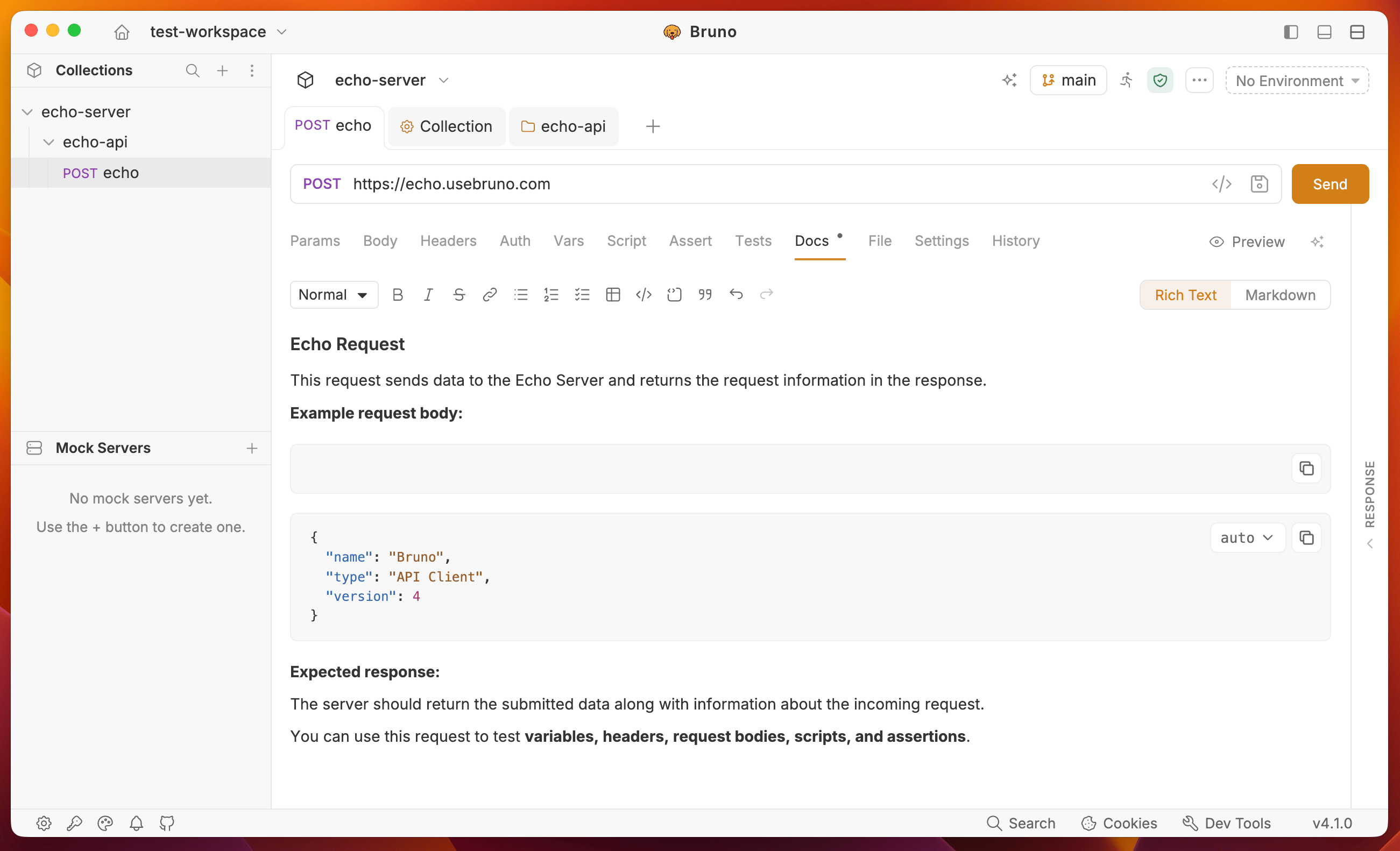
Create Request Docs
- Go to the Docs tab of your request.
- Click the Edit button to write your documentation.
- Save your documentation by clicking the Ctrl/Cmd + S button.
You can use the rich text editor (default) or markdown editor to write your documentation.