

{{name}} or {{$secrets.name}}. Both work in headers, query params, body, and auth fields.
Variable syntax
Each Name you configured under External Secrets is the variable you use in requests.username pointing at op://BrunoTestVault/login/username:
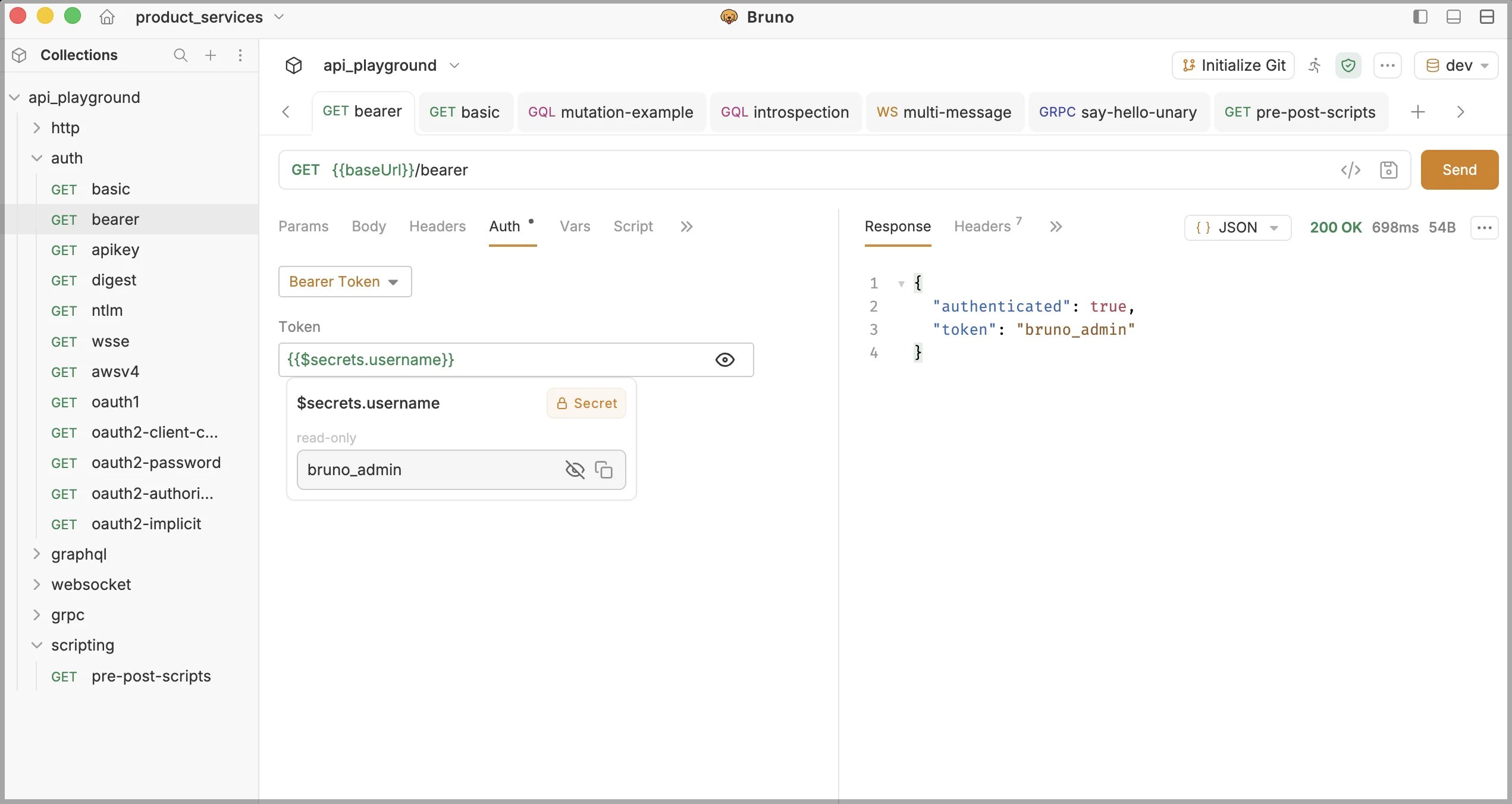
Using secrets in scripts
Access secrets from Pre-request and Post-response scripts withbru.getSecretVar():
Using secrets with Bruno CLI
Supply the Service Account token with--secrets-env-file. The environment file already holds the op:// references; the CLI resolves them at run time.
secrets.env: