

How it works
Bruno records each send for the active collection. History entries show when the request ran, the method and URL, and the status code. Selecting an entry opens its details in the right pane.View request history
- Open a collection in Bruno.
- In the collection toolbar (top right, next to the environment selector), click the
···menu. - Select History.
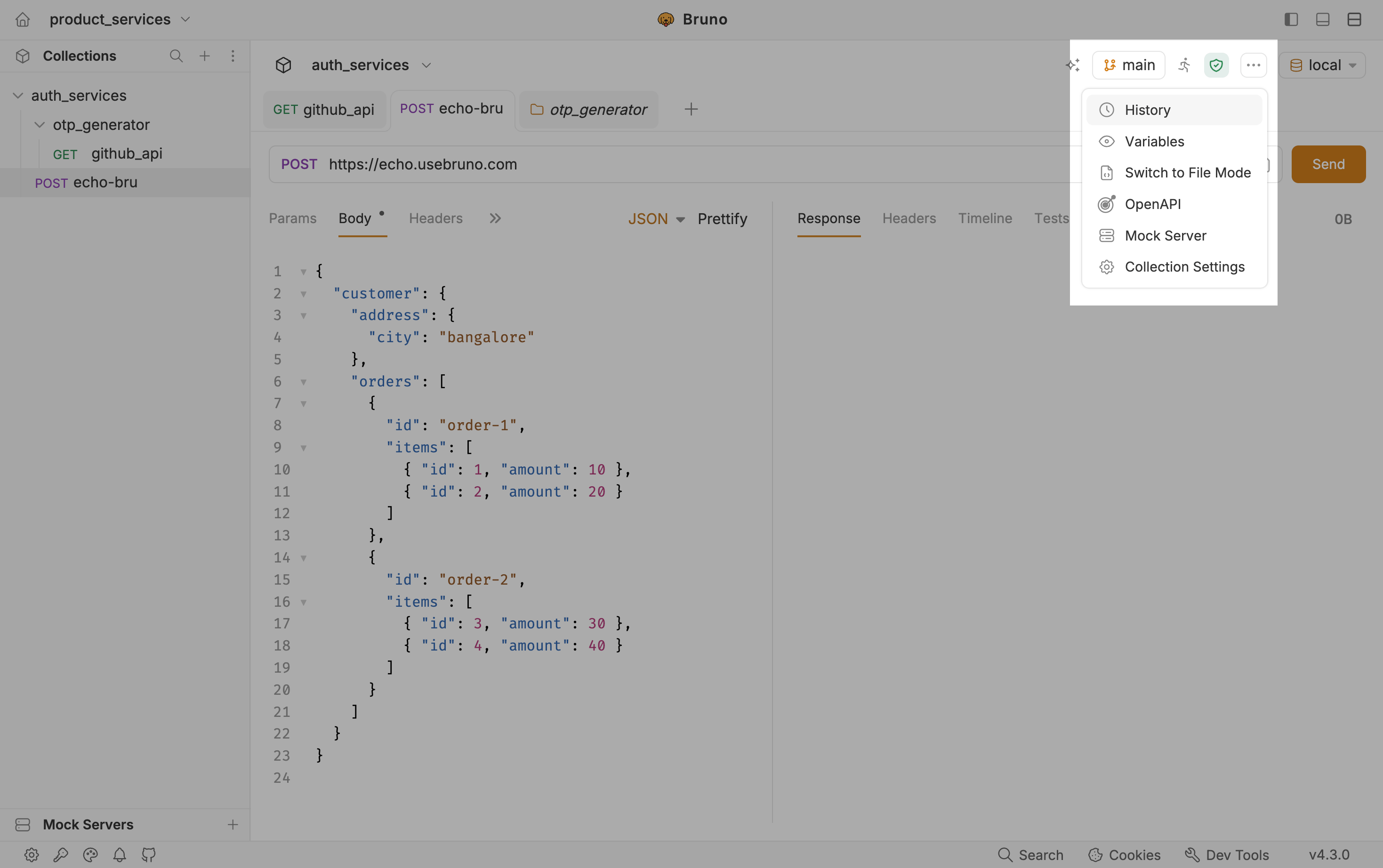
- Bruno opens a History tab with the request activity log for that collection.
- Select a row in the list to inspect that run. The right pane shows Response, Headers, Timeline, and Tests for the selected entry.
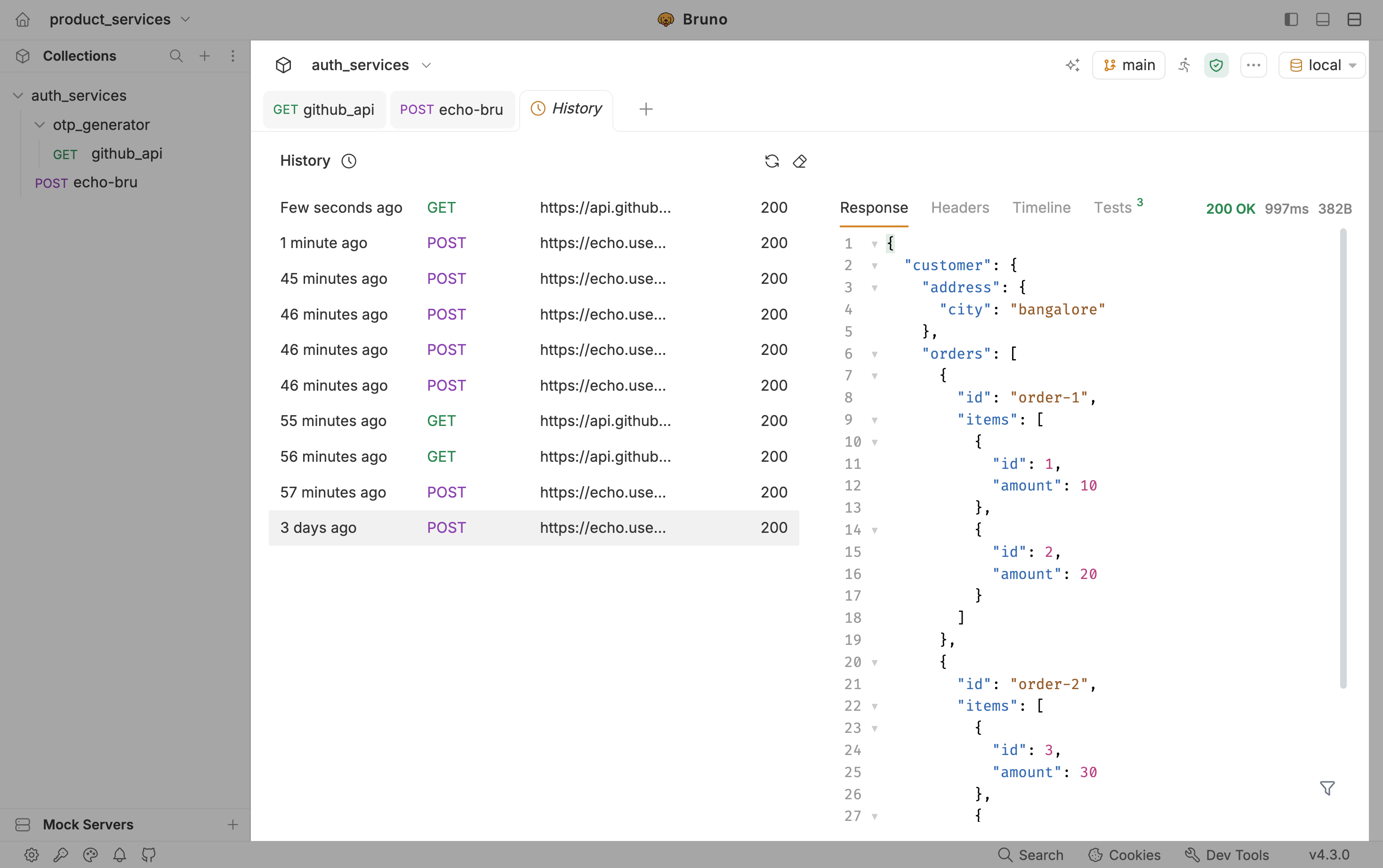
What you see in the list
Use the refresh control to reload the list, or clear history when you want to remove past entries from this collection.