

Create from a collection (saved examples)
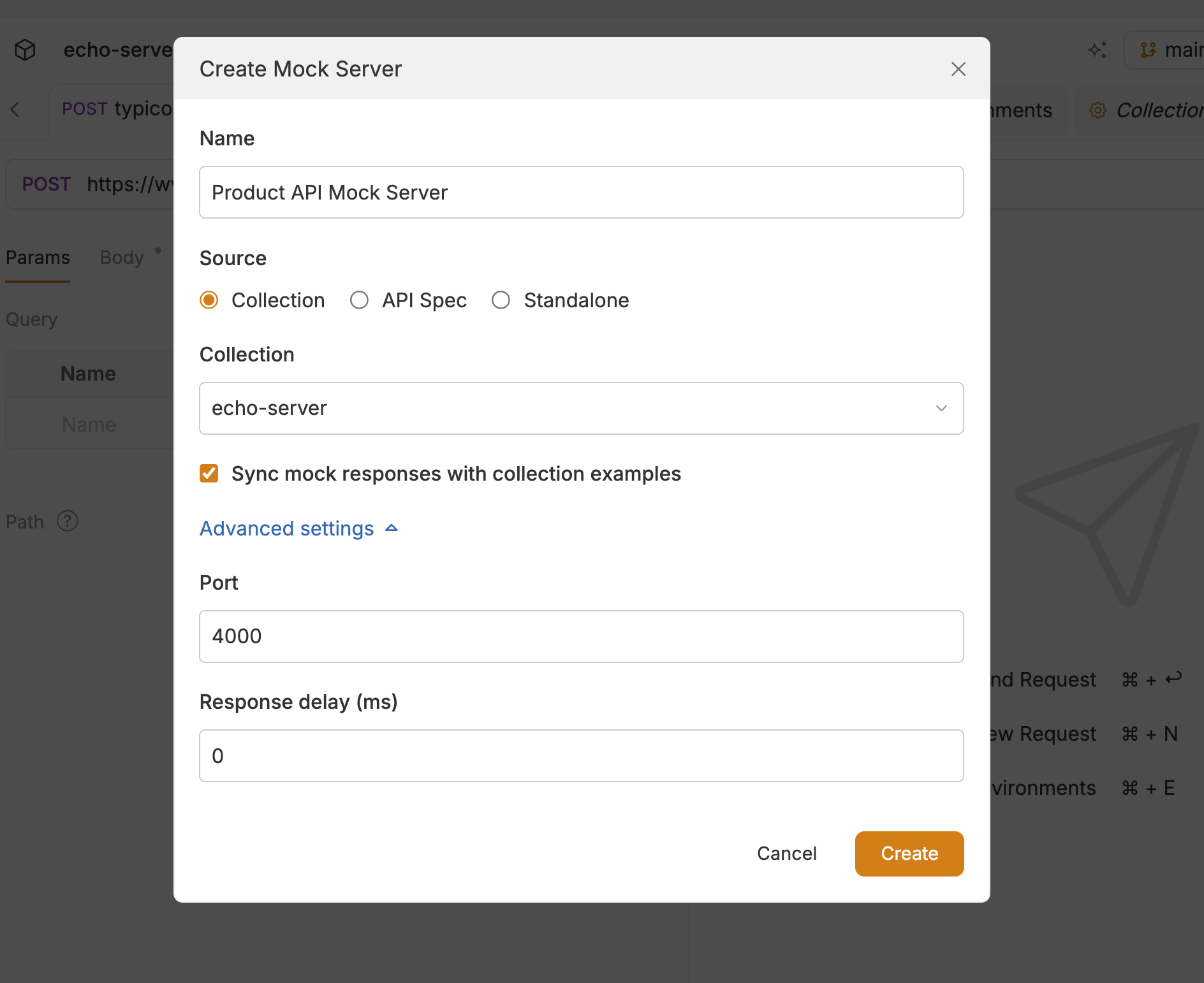
Use this path when the collection already has saved response examples.- Open the collection.
- In the sidebar, click the + icon next to Mock Servers and enter a Name of the mock server.
- Select Collection as the source, pick the collection, then click Create.
- Every saved example becomes a mock response (method, path, status, headers, and body).
- Click Start Server to start the mock server on the saved port. If the port is already in use, change it under Mock Server Settings (gear icon) → Advanced settings.
Create from an OpenAPI spec
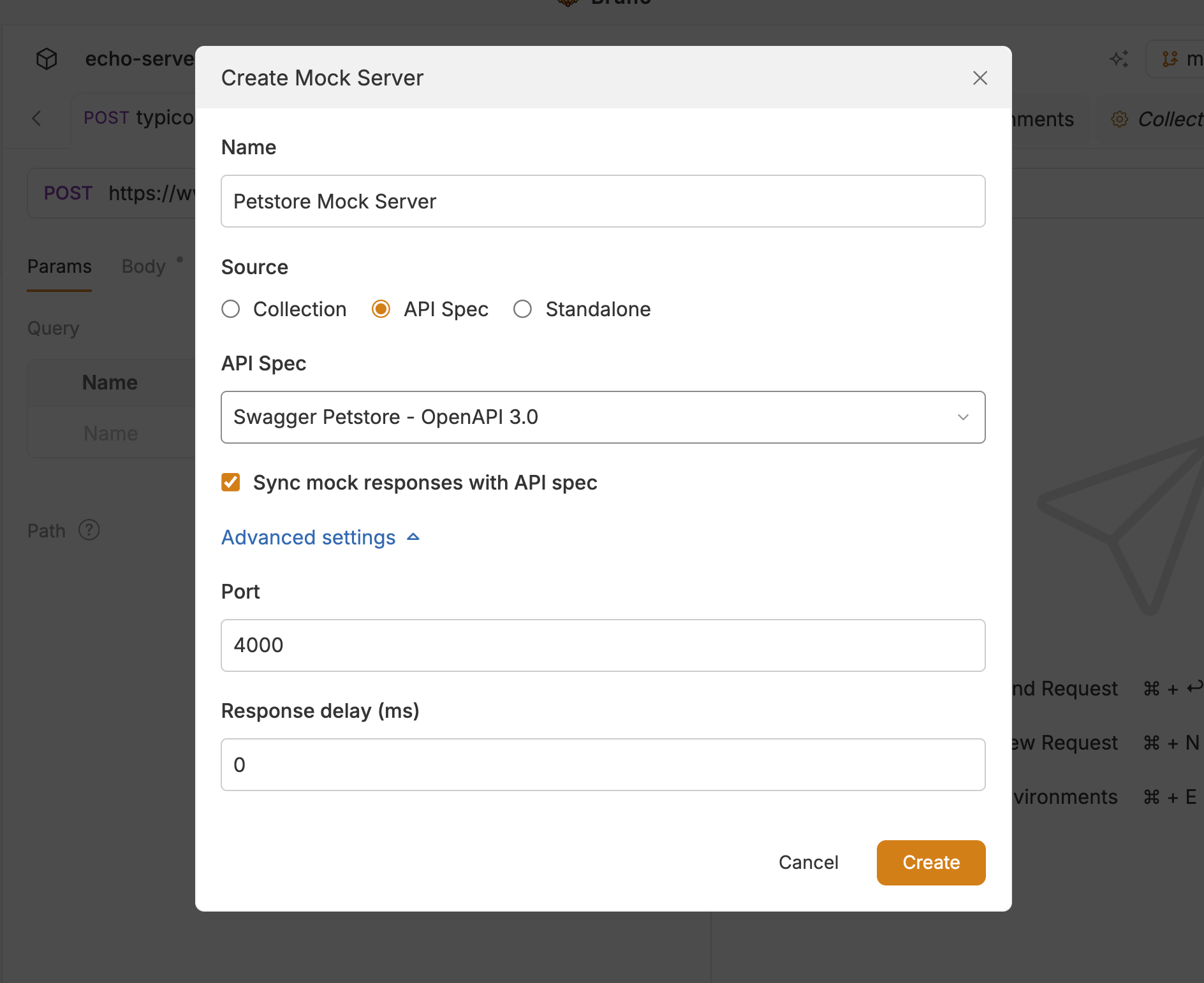
Use this path when you have an API spec in the workspace. Turn on API Spec under Preferences → Features if it is not already enabled.- Load the spec under API Specs in the sidebar (if it is not already there).
- In the sidebar, click the + icon next to Mock Servers and enter a Name of the mock server.
- Select API Spec as the source, pick the spec, then click Create.
Create a standalone (manual) mock
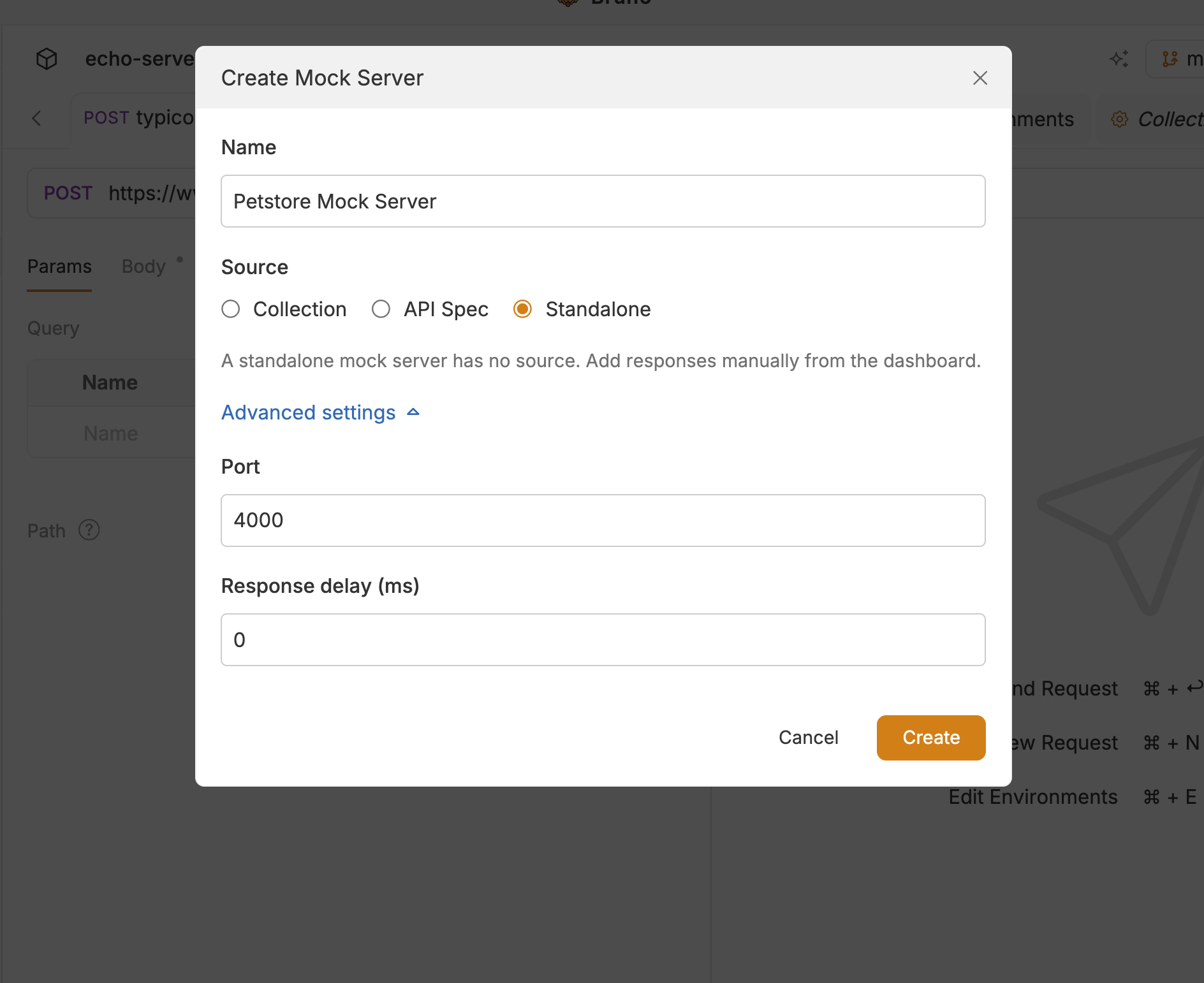
To add responses yourself instead of syncing from a collection or spec:- In the sidebar, click the + icon next to Mock Servers.
- Enter a Name of the mock server.
- Select Standalone as the source.
- Optionally set Port and Response delay under Advanced settings.
- Click Create, then add responses from the Responses tab.
Where Bruno store mock servers
Mock servers are stored in the workspace at the root of the mocks folder. After creation, the mock server is saved as a .yml file.Next steps
- Run a mock server — start, stop, and manage mock servers from the dashboard