

Accessing Billing
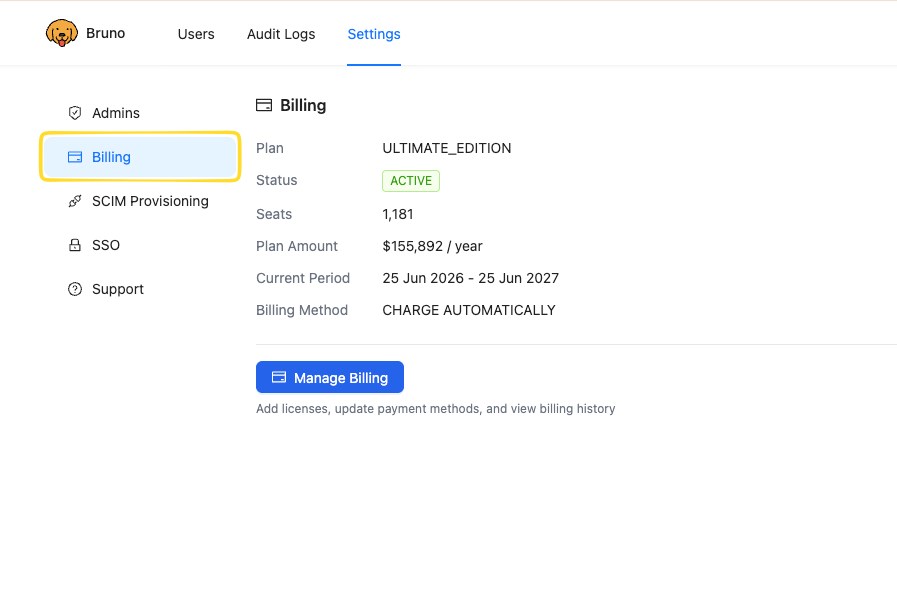
- Navigate to
Settings - Select
Billing
Managing Billing
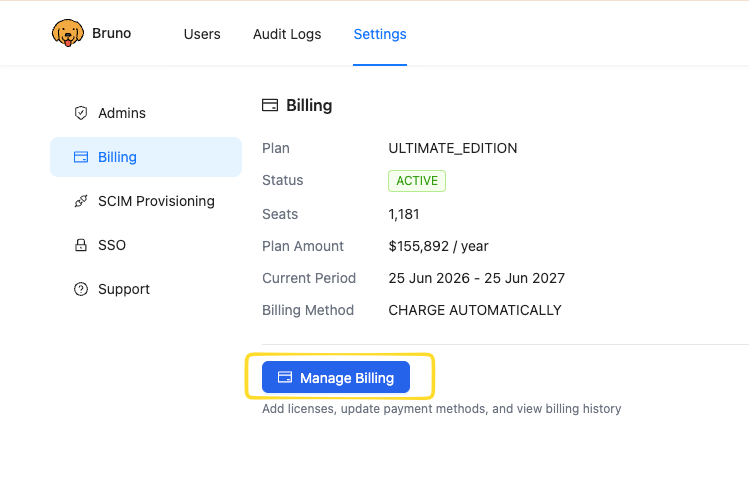
To make changes to your subscription, payment details, or invoices:- From the
Billingpage, clickManage Billing
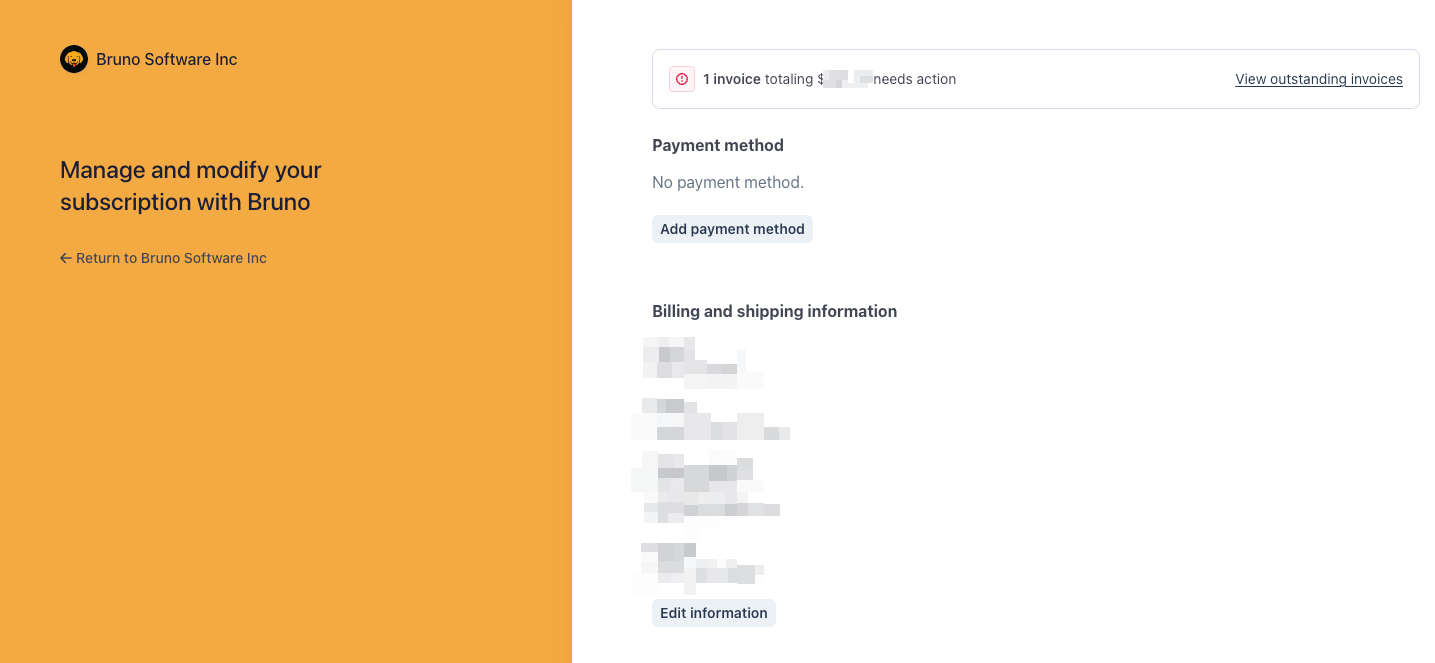
View outstanding invoices
Review your invoice history and view or download any outstanding or past invoices.Update your payment method
If you’re paying by credit card, you can add, update, or remove a card on file.Update billing and shipping information
Modify the billing and shipping information associated with your account, such as your company name, address, and tax details.Change your plan
Update your subscription to adjust your plan or the number of licenses associated with your account.All payment and billing changes are processed securely through Stripe. Bruno does not store your credit card details.