Skip to Content

Document a Workspace

Bruno allows you to add documentation at the workspace level, providing a centralized place for high-level information about your entire workspace. Workspace documentation is ideal for onboarding new team members, explaining the workspace structure, and documenting organizational standards.

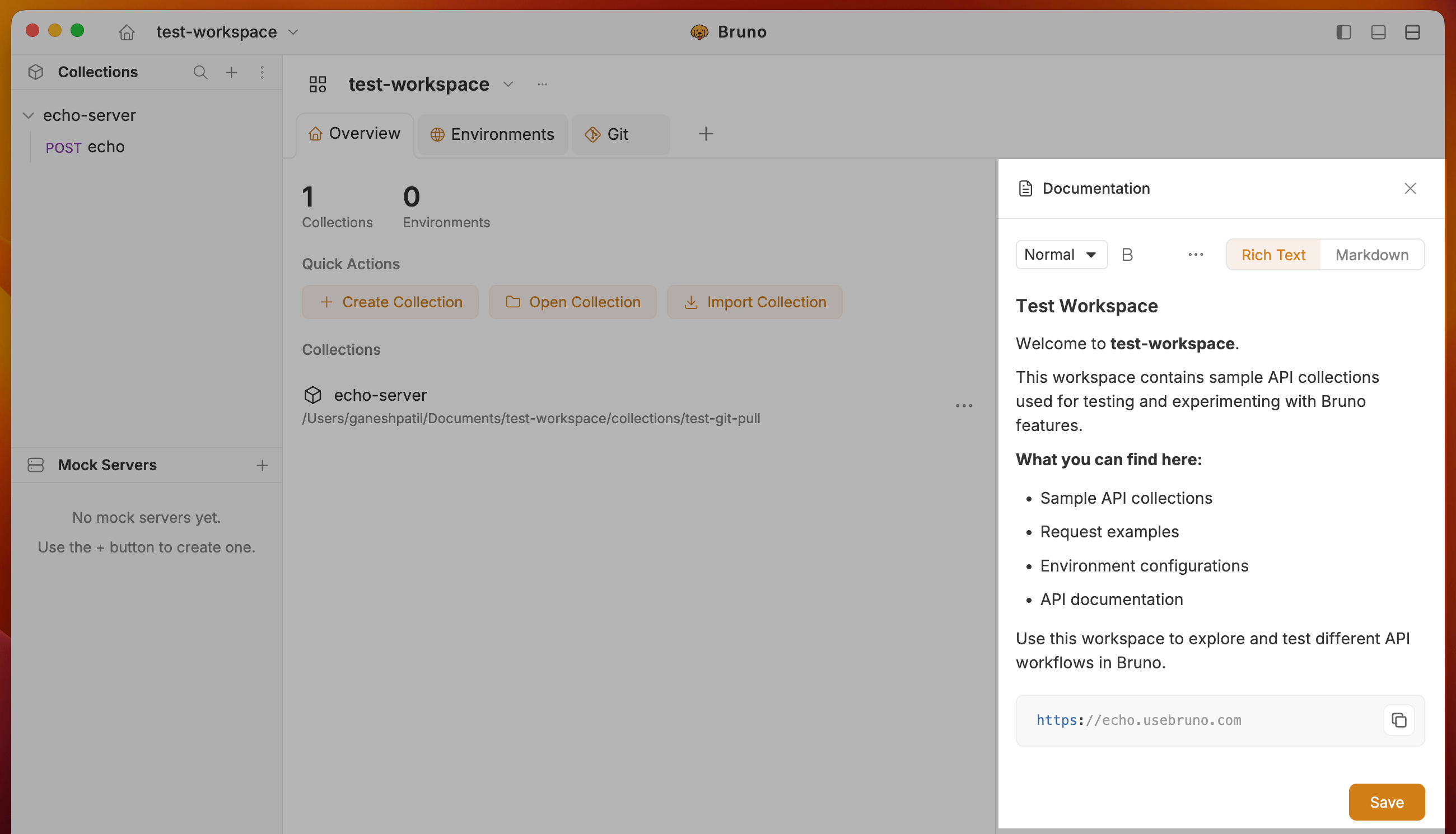
Create Workspace Docs

  1. Navigate to your workspace settings by clicking on the home icon.
  2. Click on Add Documentation button.

Workspace Settings

  1. Add your documentation in the textarea section in markdown format.

Add Documentation

  1. Click save button to save your documentation.
Last updated on