> ## Documentation Index
> Fetch the complete documentation index at: https://docs.usebruno.com/llms.txt
> Use this file to discover all available pages before exploring further.
# Response Data
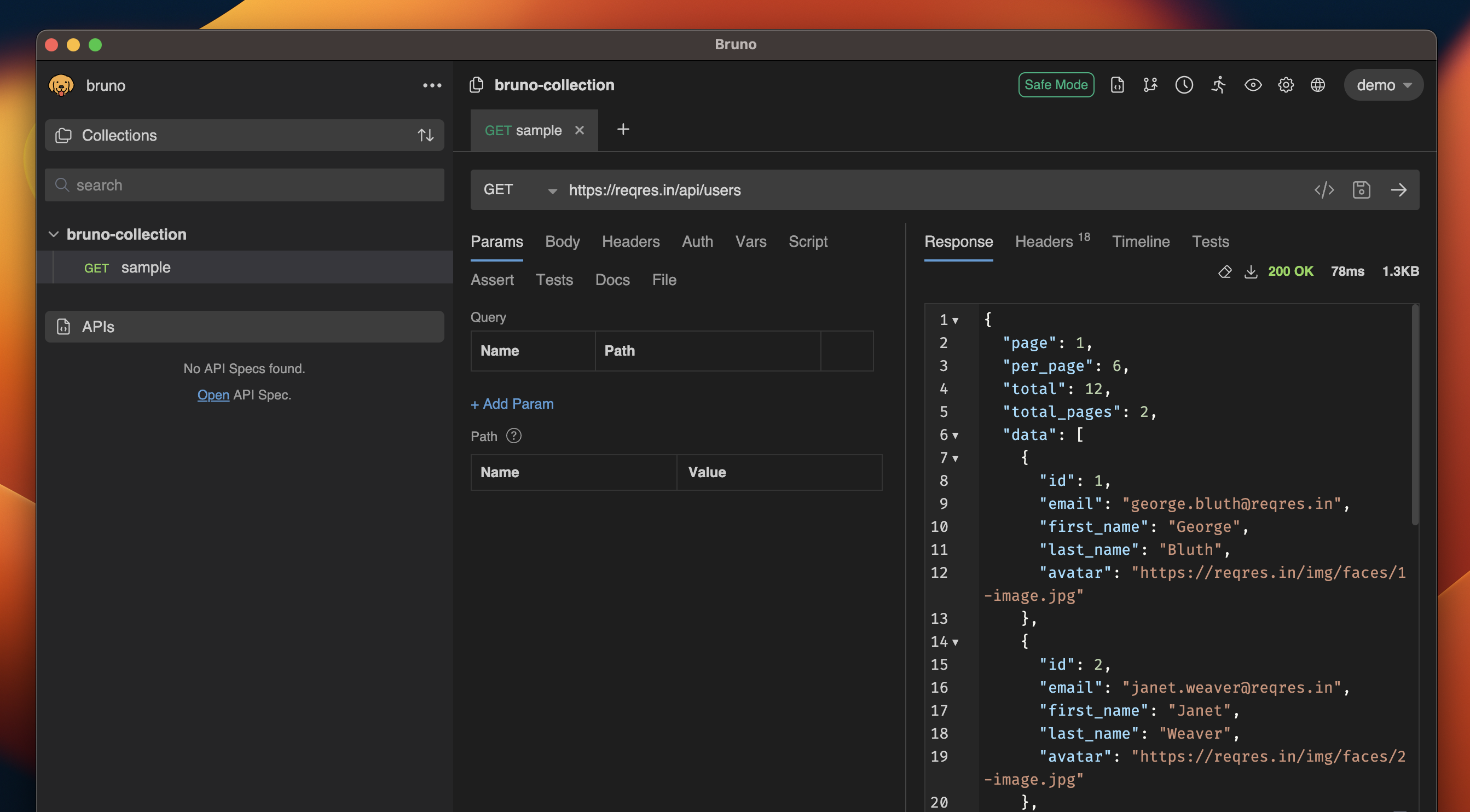
The API returns data as a response from the server after the request is executed. The response panel in Bruno provides you with an organized view of the API's response, including the body, headers, HTTP status code, raw response code, and more.
### Response Panel
After executing a request, the response panel provides detailed information on the API's response. It shows the response body, headers, status code, and other relevant data. You can also search within the response using the `cmd+f` or `ctrl+f` keyboard shortcut.
 ### Headers
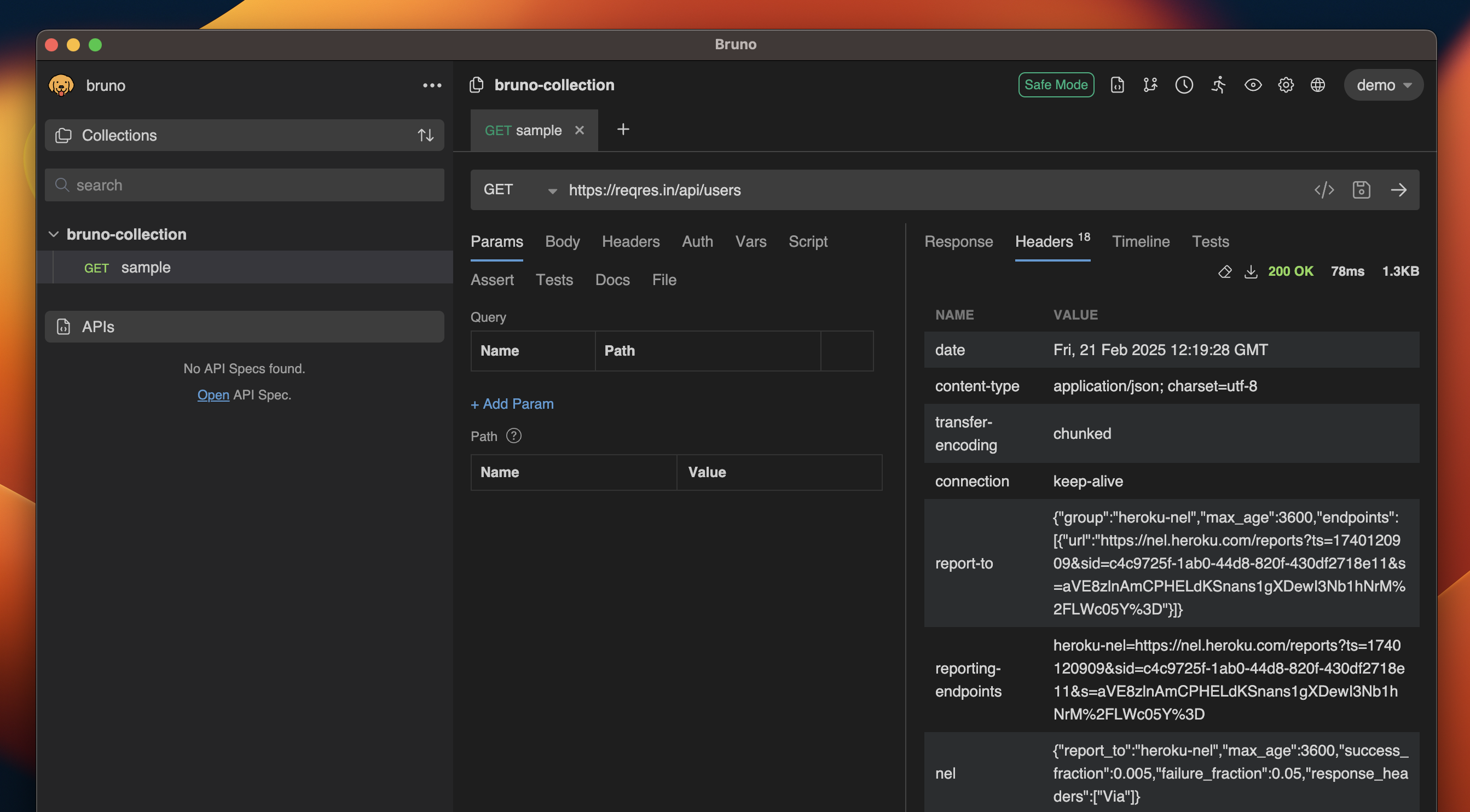
The request headers are displayed to show what was sent to the API. This can help in debugging and understanding the context of the request.
### Headers
The request headers are displayed to show what was sent to the API. This can help in debugging and understanding the context of the request.
 ### Timeline
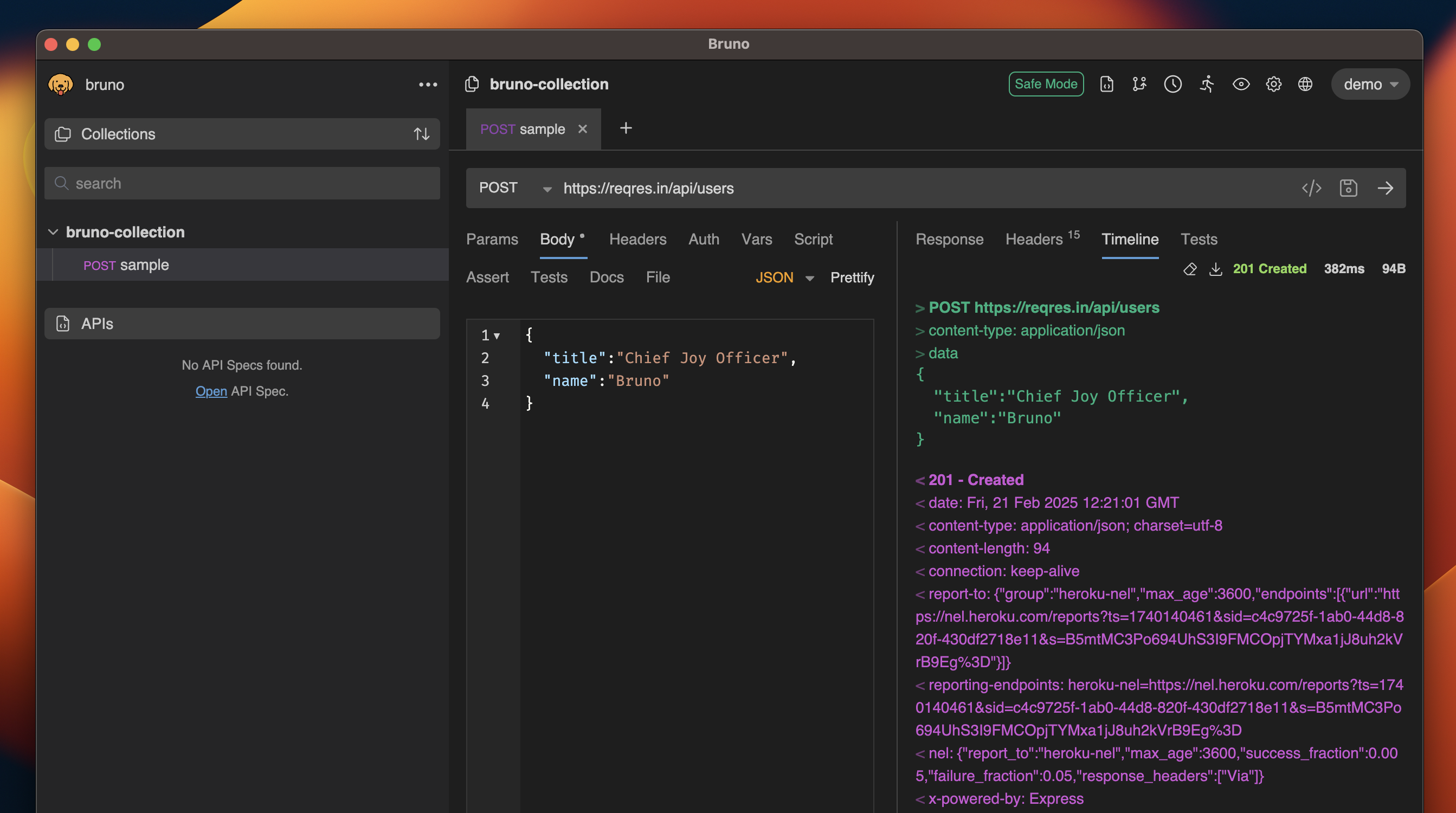
The response timeline displays the response headers sent along with the request body, including details such as content-type, date, cache, and connection status.
### Timeline
The response timeline displays the response headers sent along with the request body, including details such as content-type, date, cache, and connection status.
 ### Save Response
You can save the response data for future reference in two ways:
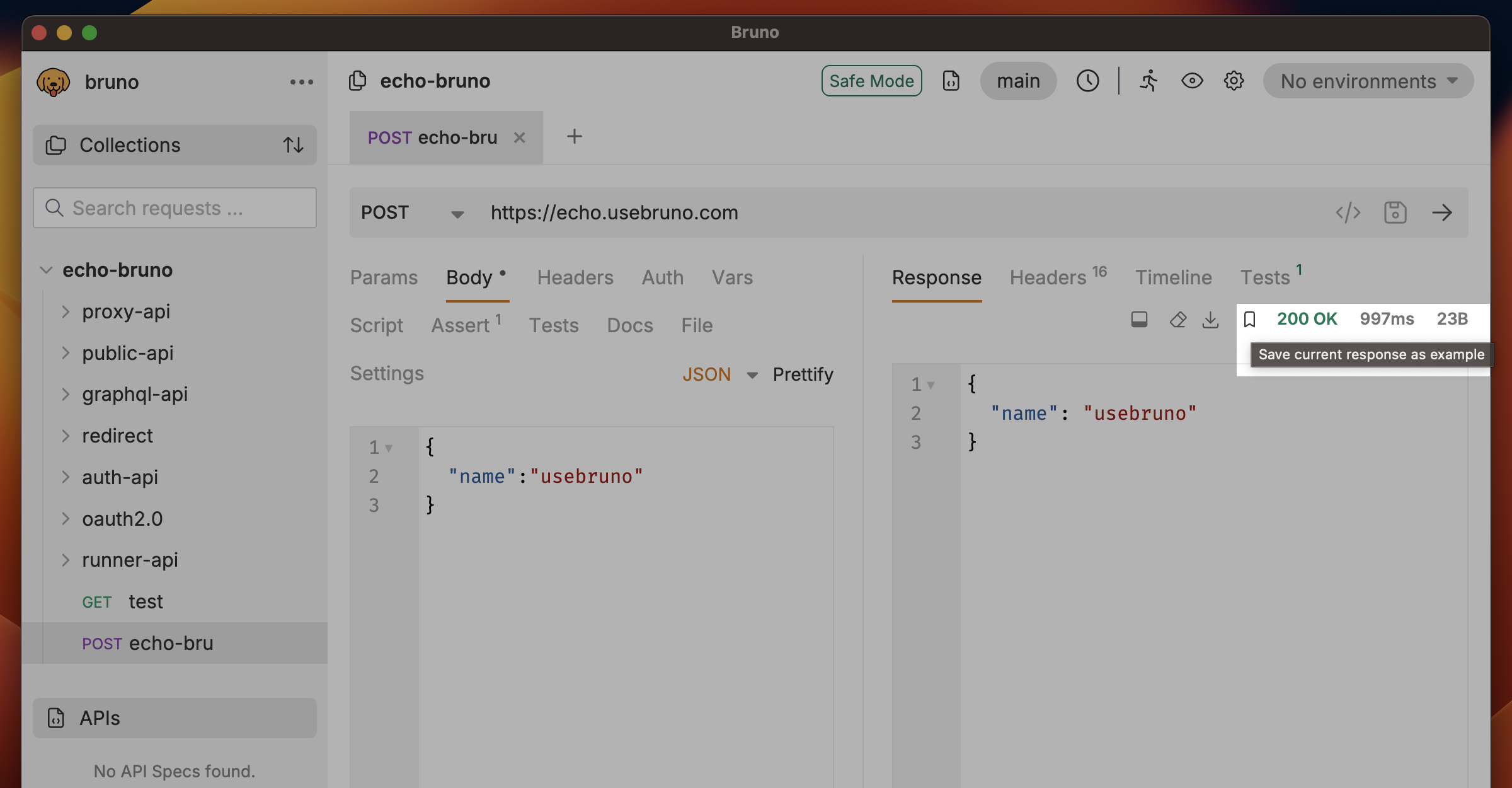
#### Save Response as Example
Save the response as an example that appears as a sub-request under your main request. This is useful for documenting different API behaviors, error scenarios, and edge cases.
### Save Response
You can save the response data for future reference in two ways:
#### Save Response as Example
Save the response as an example that appears as a sub-request under your main request. This is useful for documenting different API behaviors, error scenarios, and edge cases.
 **Learn more:** [Response Examples](/send-requests/res-data-cookies/response-examples)
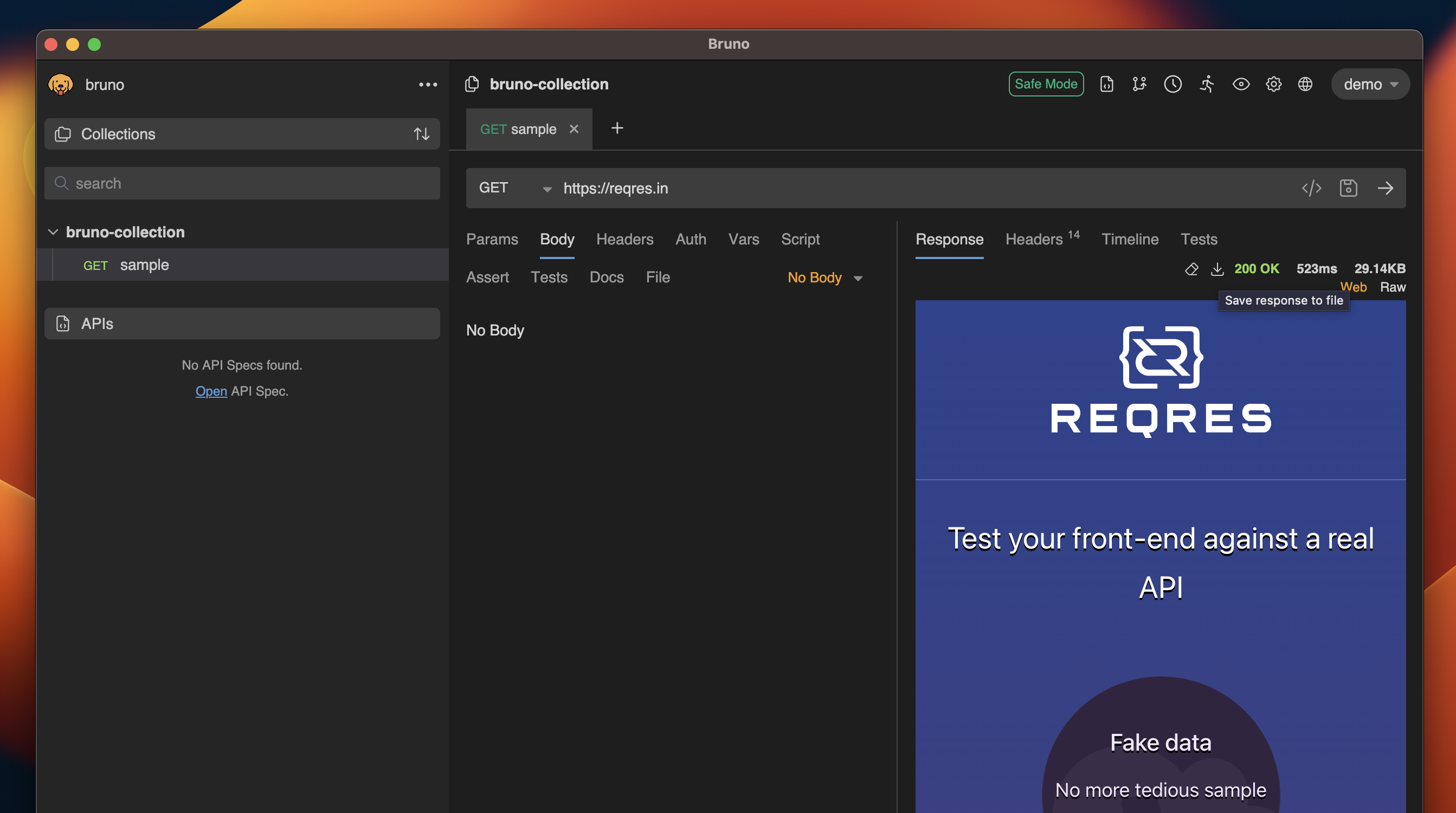
#### Export Response to File
You can also export the response data to a file, allowing you to store the results in various formats such as HTML.
**Learn more:** [Response Examples](/send-requests/res-data-cookies/response-examples)
#### Export Response to File
You can also export the response data to a file, allowing you to store the results in various formats such as HTML.
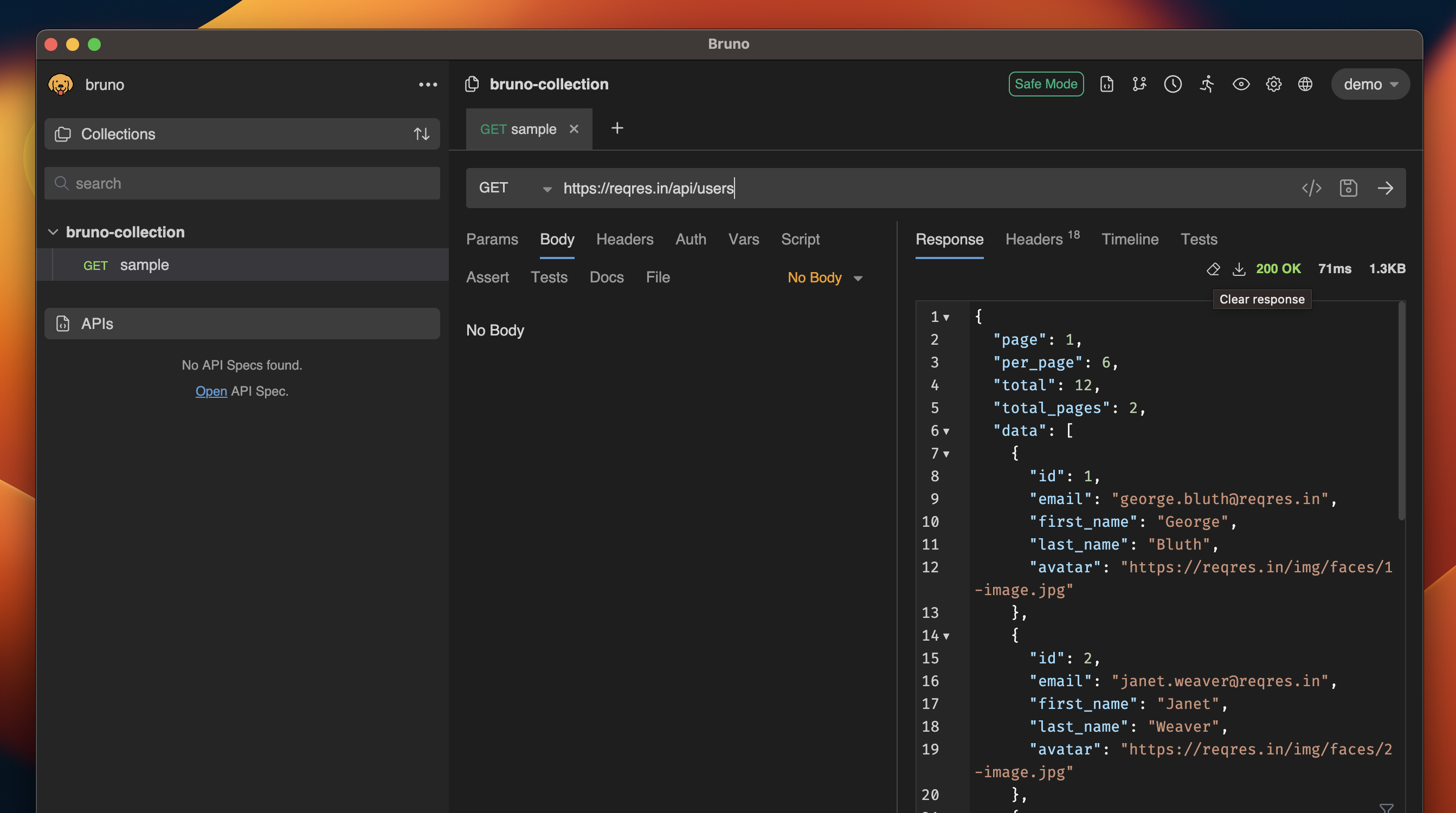
 ### Clear Response
If you want to reset or clear the response data, you can easily do so using the clear response option.
### Clear Response
If you want to reset or clear the response data, you can easily do so using the clear response option.
 ### Raw Response
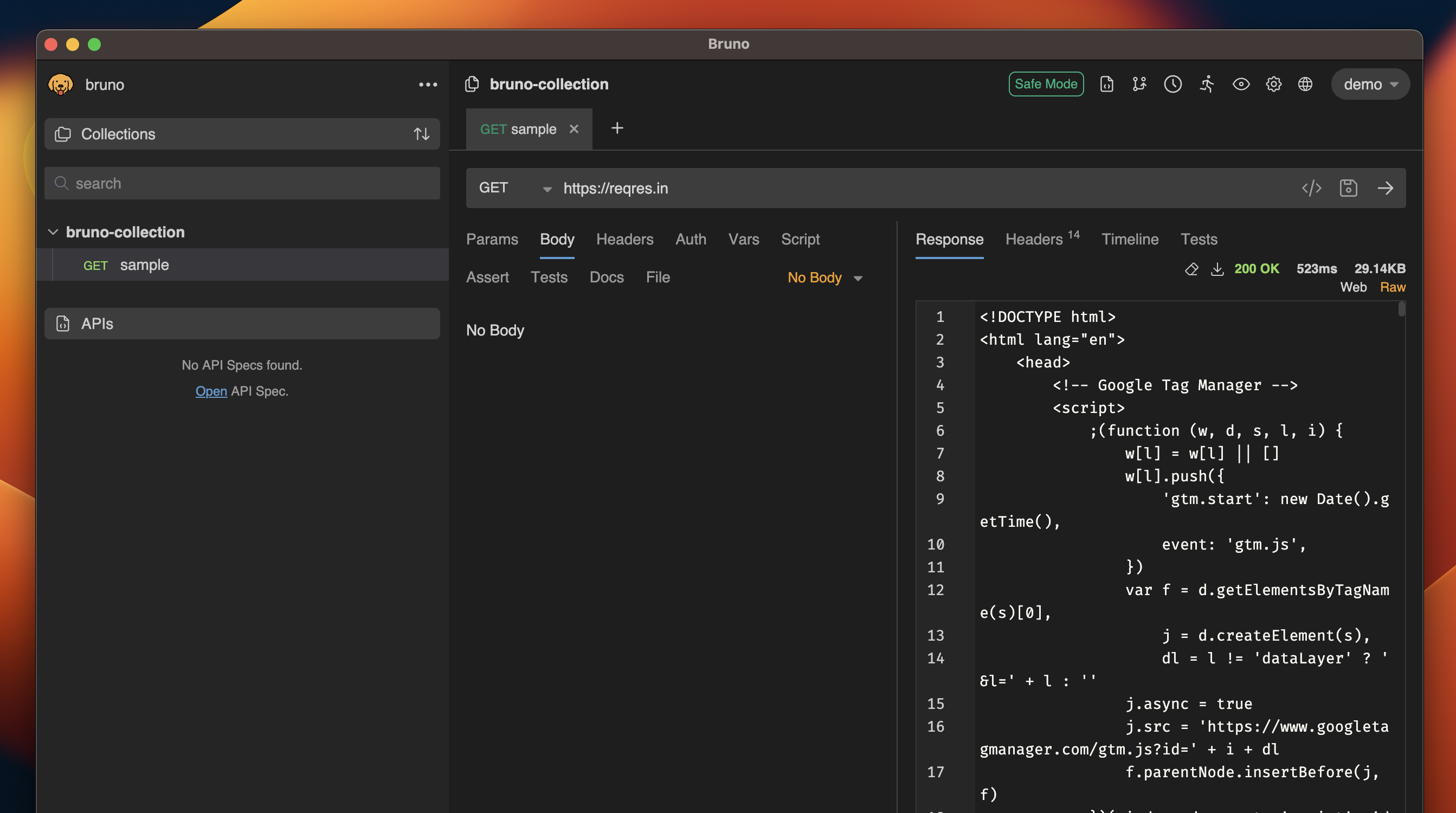
The raw response provides the unprocessed data returned by the server, giving you access to the raw output for advanced inspection.
### Raw Response
The raw response provides the unprocessed data returned by the server, giving you access to the raw output for advanced inspection.