> ## Documentation Index
> Fetch the complete documentation index at: https://docs.usebruno.com/llms.txt
> Use this file to discover all available pages before exploring further.
# Cookies in Bruno
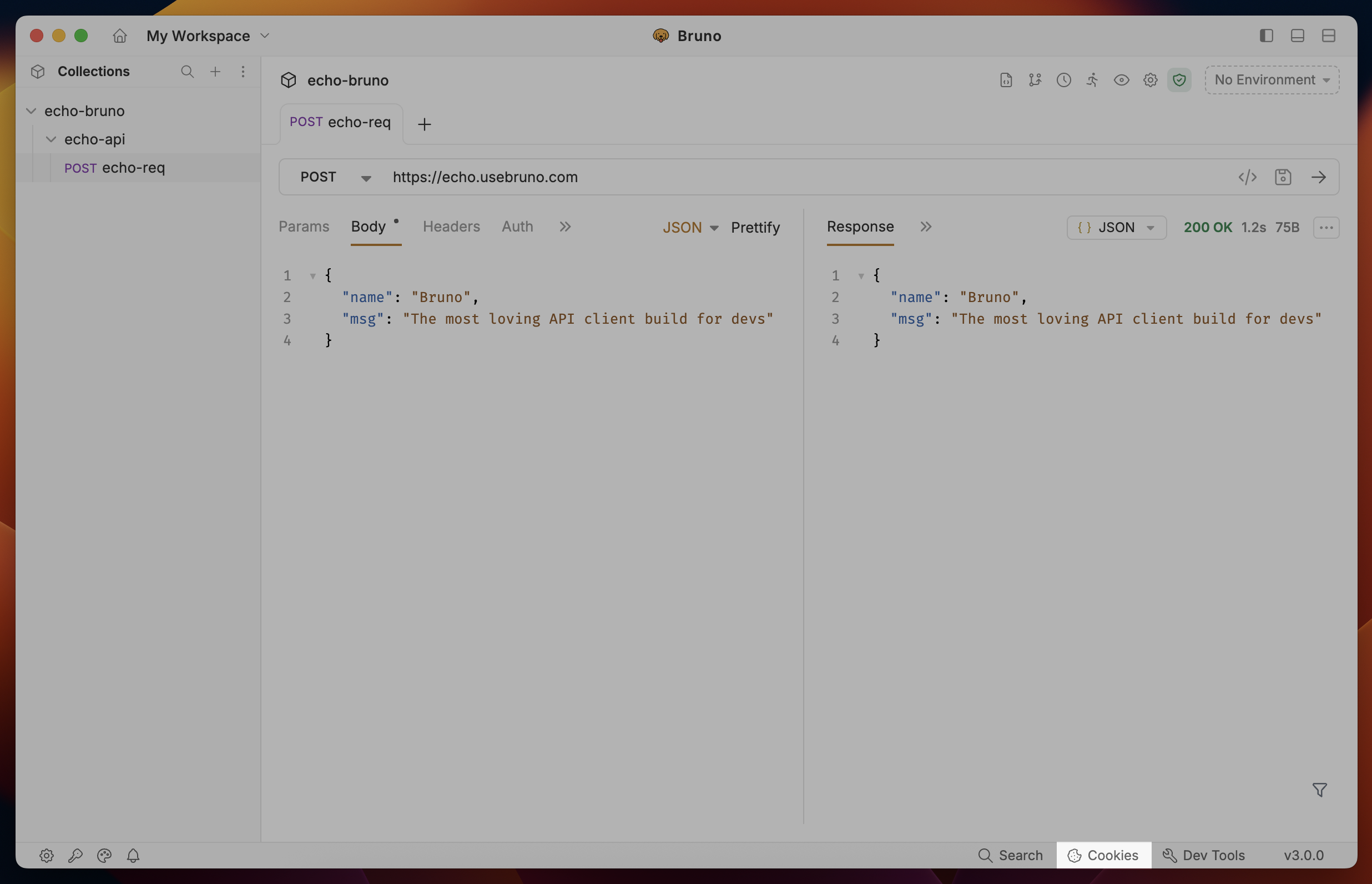
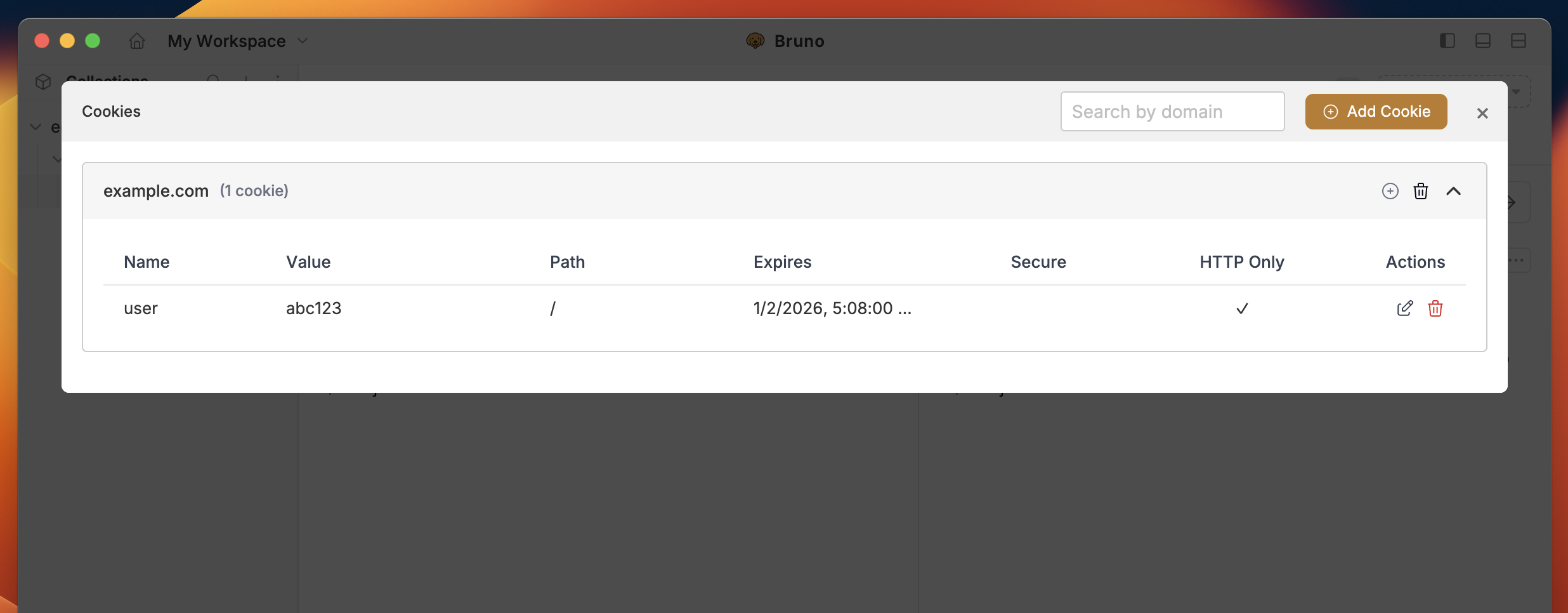
Cookies are used to store user information, session data, and provide personalized content. Bruno allows you to add, send, view, and delete request cookies. After executing the request, you can easily inspect the cookies by clicking on the **Cookies** icon.
## Cookie Attributes
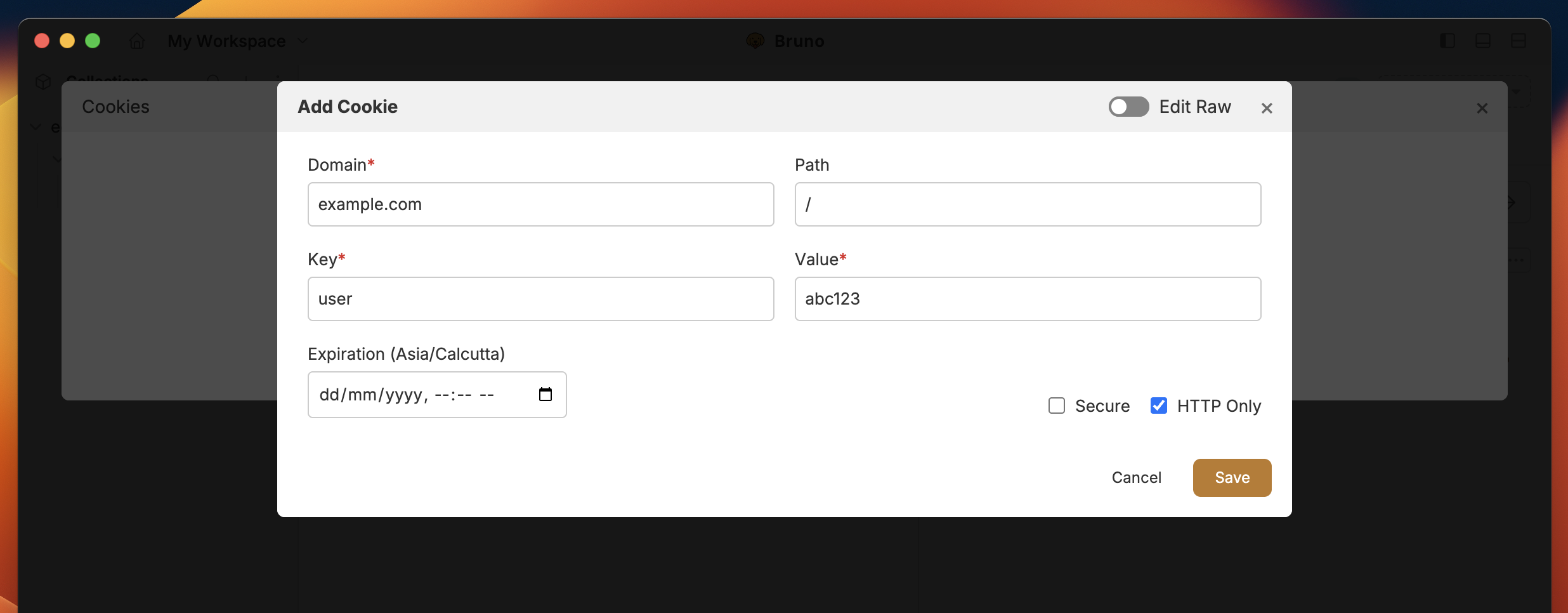
* **Domain**: Specifies the domain where the cookie is valid.
* **Path (optional)**: Specifies the URL path where the cookie will be sent.
* **Key**: The name/identifier of the cookie.
* **Value**: The data that the cookie will store.
* **Expiration**: The expiration date and time for the cookie.
* **Secure**: Ensures the cookie is only sent over HTTPS.
* **HTTP Only**: Restricts access to the cookie from JavaScript.
## Configuring Cookies in Bruno
### Add Cookie
1. Go to cookies section (bottom-right corner).
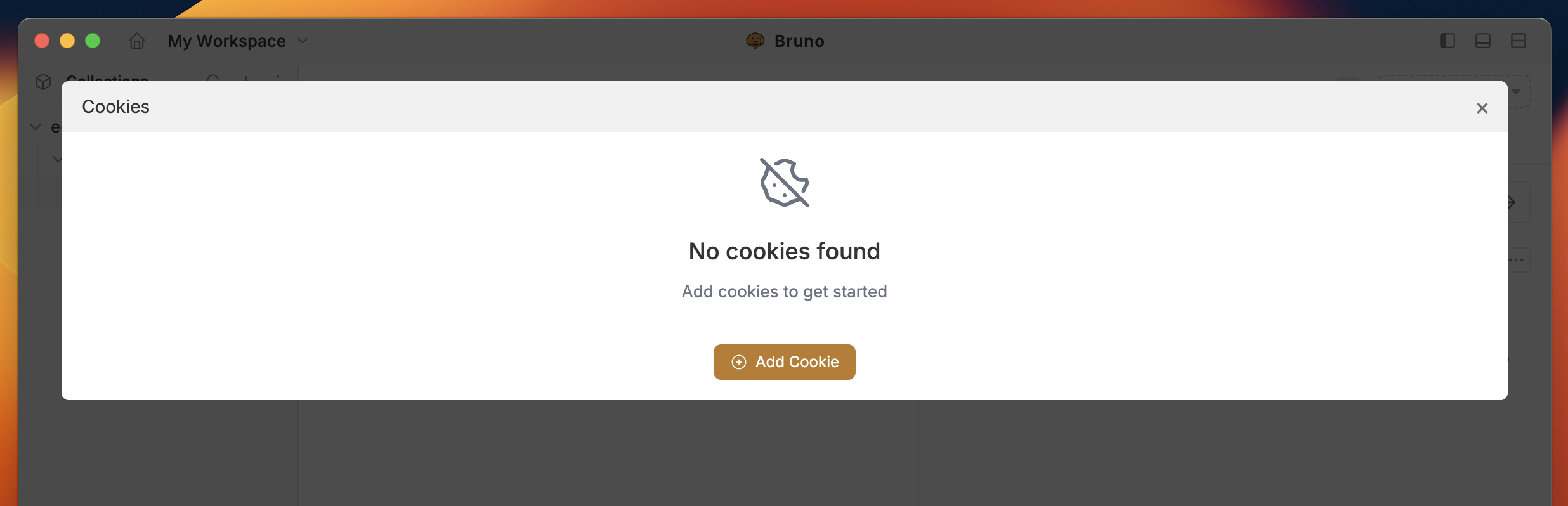
 2. Click on **Add Cookie** button.
 3. Add the cookie attributes and select **Secure** or **HTTP Only** according to your preference.
 4. Click on **Save** button.
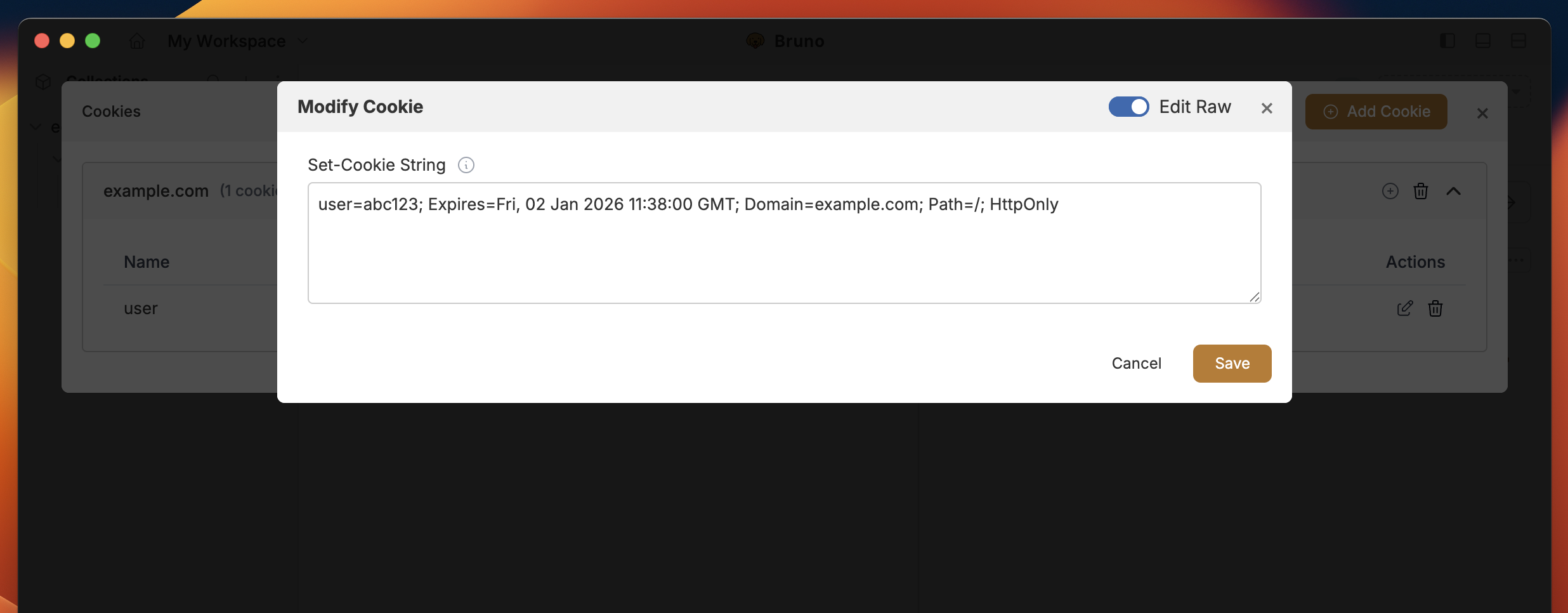
5. You can enable **Raw Edit** mode to quickly customize and make direct changes to your cookies.
4. Click on **Save** button.
5. You can enable **Raw Edit** mode to quickly customize and make direct changes to your cookies.
 ### Update Cookie
You can update and delete cookie(s) by clicking the icons next to it.
1. Click on (pencil icon) to update cookie.
2. Click on delete icon (red colour) to delete cookie.
We restrict editing of values like Domain, Path, and Key once a cookie is
created due to security concerns.
### Update Cookie
You can update and delete cookie(s) by clicking the icons next to it.
1. Click on (pencil icon) to update cookie.
2. Click on delete icon (red colour) to delete cookie.
We restrict editing of values like Domain, Path, and Key once a cookie is
created due to security concerns.
 To manage cookies programmatically, see the [Cookie Management](/testing/script/javascript-reference#cookie-management) section in the JavaScript API Reference.