> ## Documentation Index
> Fetch the complete documentation index at: https://docs.usebruno.com/llms.txt
> Use this file to discover all available pages before exploring further.
# Settings
You can customize Bruno settings according to your preferences. Bruno offers a variety of settings that can be tailored to suit your needs. Key settings include:
* [General](#general)
* [Themes](#themes)
* [Display](#display)
* [Proxy](#proxy)
* [License](#license)
* [Keybindings](#keybindings)
* [Secrets](#secrets)
* [Support](#support)
* [About](#about)
* [Telemetry](#telemetry)
These are the core settings that you can adjust to optimize your Bruno experience.
## General
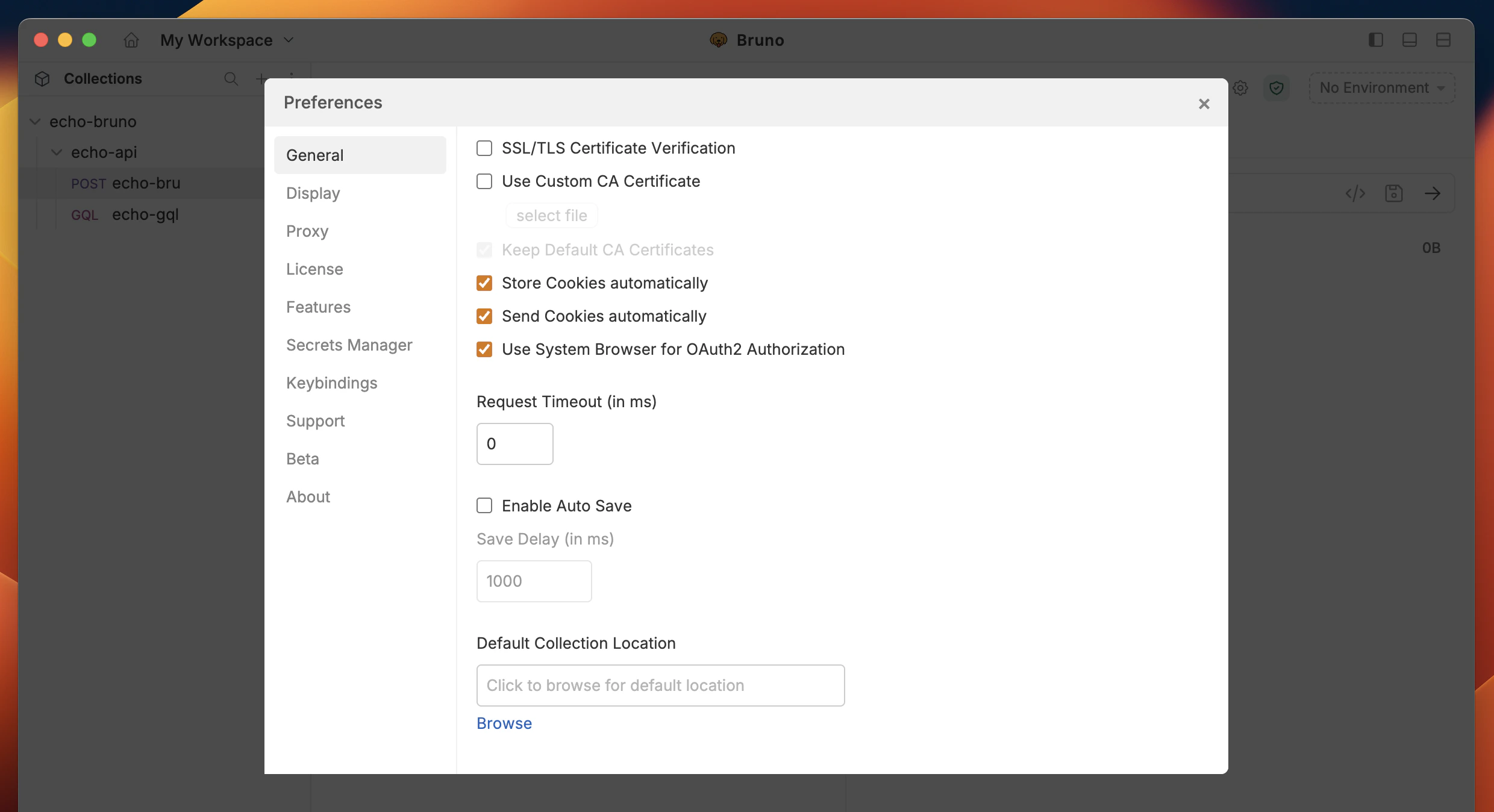
The General settings include options for SSL/TLS, Custom CA certificates, and Cookies. You can customize how cookies are handled by choosing to store and send them automatically, or simply uncheck the box if you prefer not to store cookies.
 ## Themes
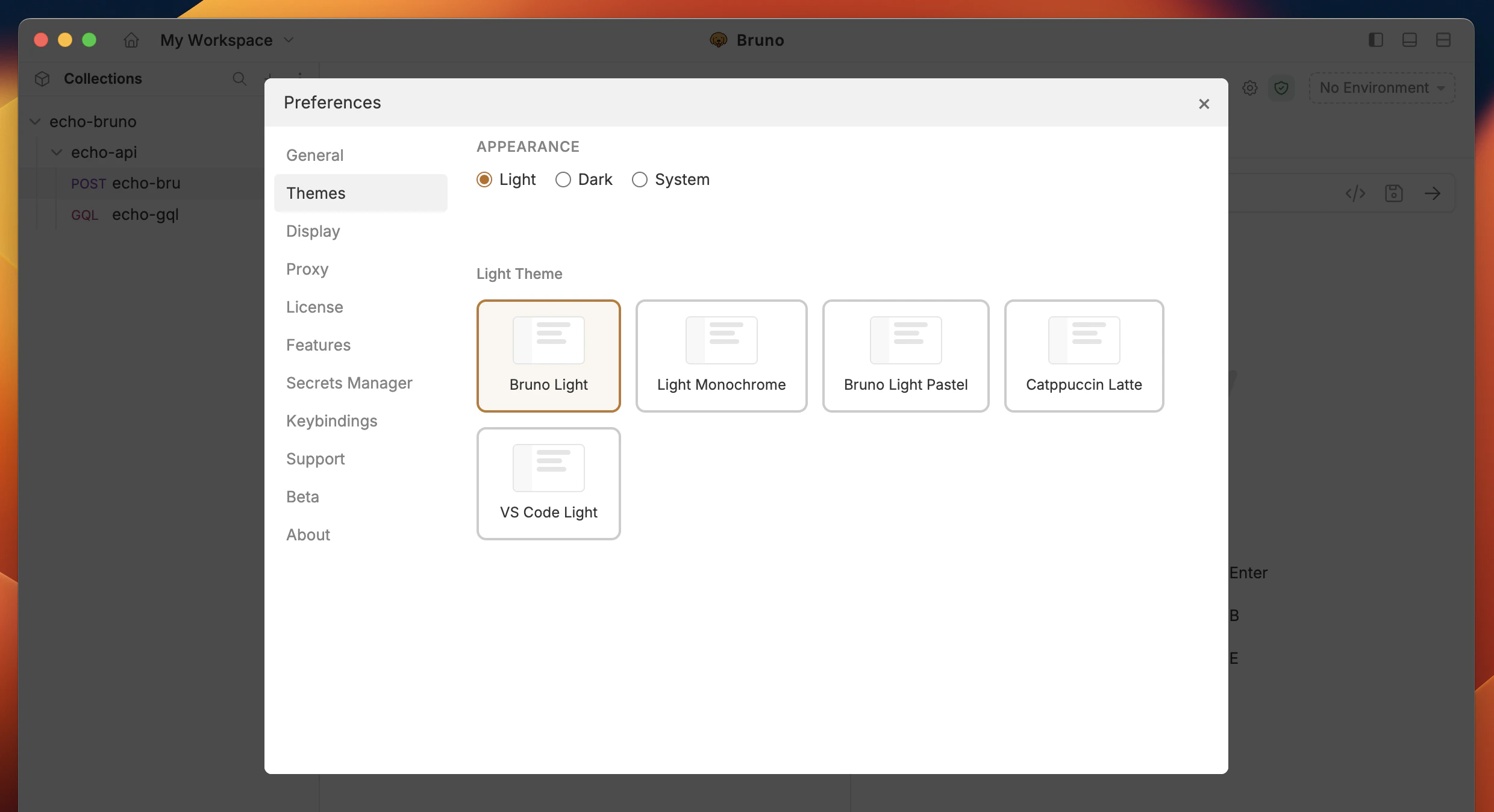
Bruno offers a variety of themes to personalize your workspace. You can choose from different color schemes to match your preference and enhance your visual experience while working with APIs.
## Themes
Bruno offers a variety of themes to personalize your workspace. You can choose from different color schemes to match your preference and enhance your visual experience while working with APIs.
 ## Display
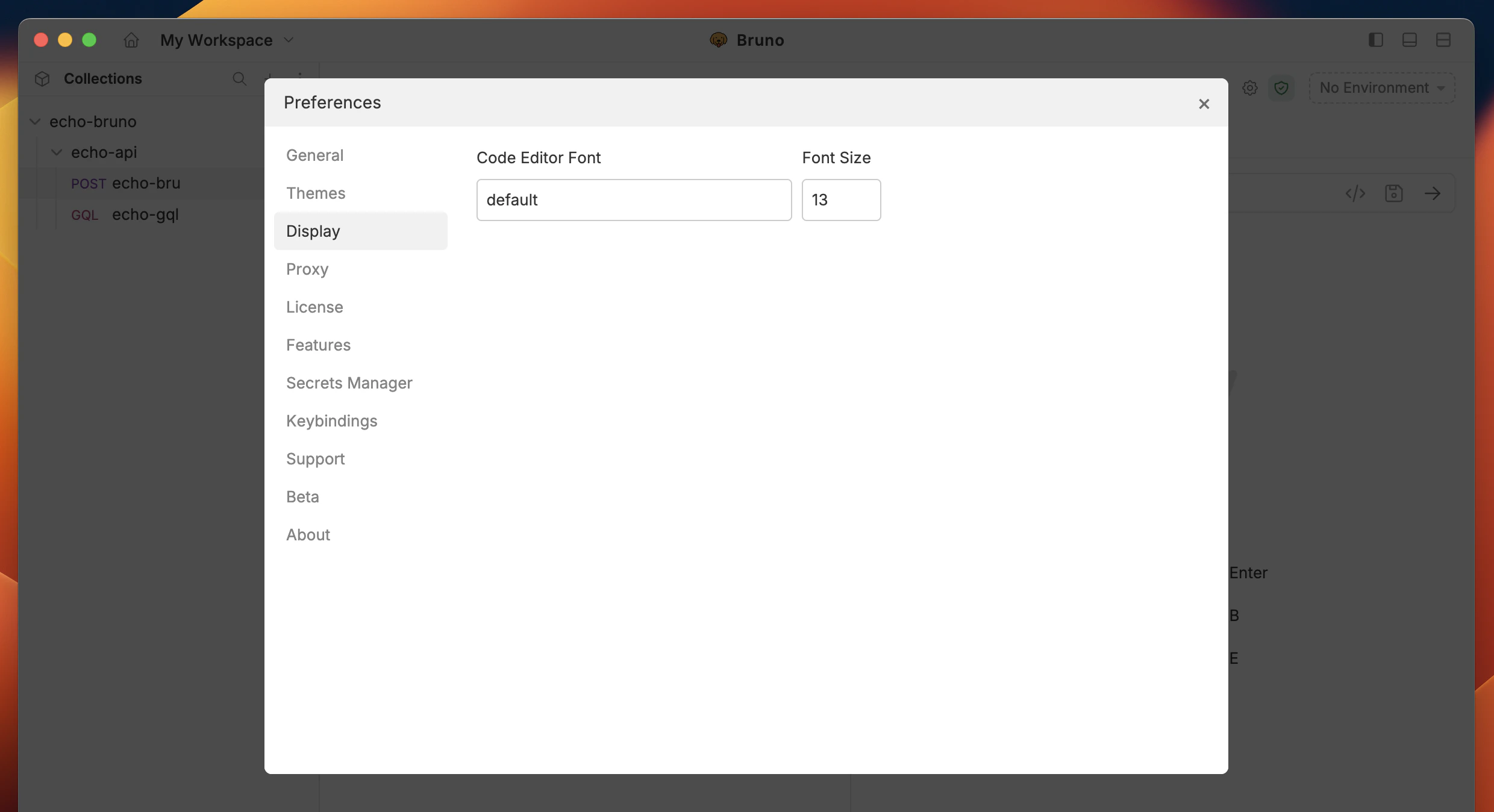
In the Display section, you can control the appearance of the Bruno, choosing between Dark, Light, or System mode, based on your preference. Additionally, you can customize the code editor font to suit your style.
## Display
In the Display section, you can control the appearance of the Bruno, choosing between Dark, Light, or System mode, based on your preference. Additionally, you can customize the code editor font to suit your style.
 ## Proxy
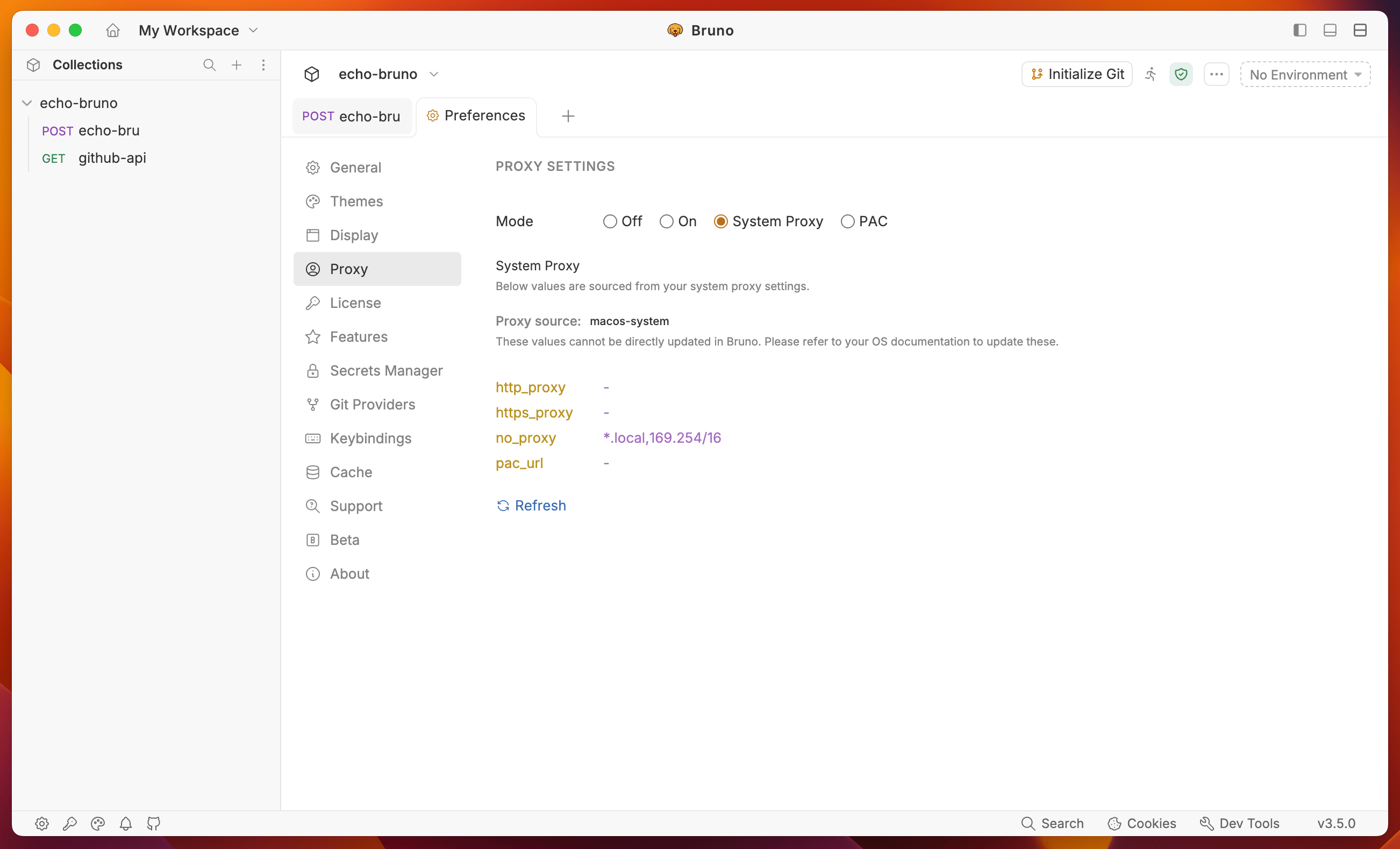
You can customize the Proxy settings by selecting On, Off, or System, depending on your needs. For more details, you can refer to the [Proxy guide here](./proxy-config) to learn more. By default, the Proxy setting is Off in Bruno.
## Proxy
You can customize the Proxy settings by selecting On, Off, or System, depending on your needs. For more details, you can refer to the [Proxy guide here](./proxy-config) to learn more. By default, the Proxy setting is Off in Bruno.
 ## License
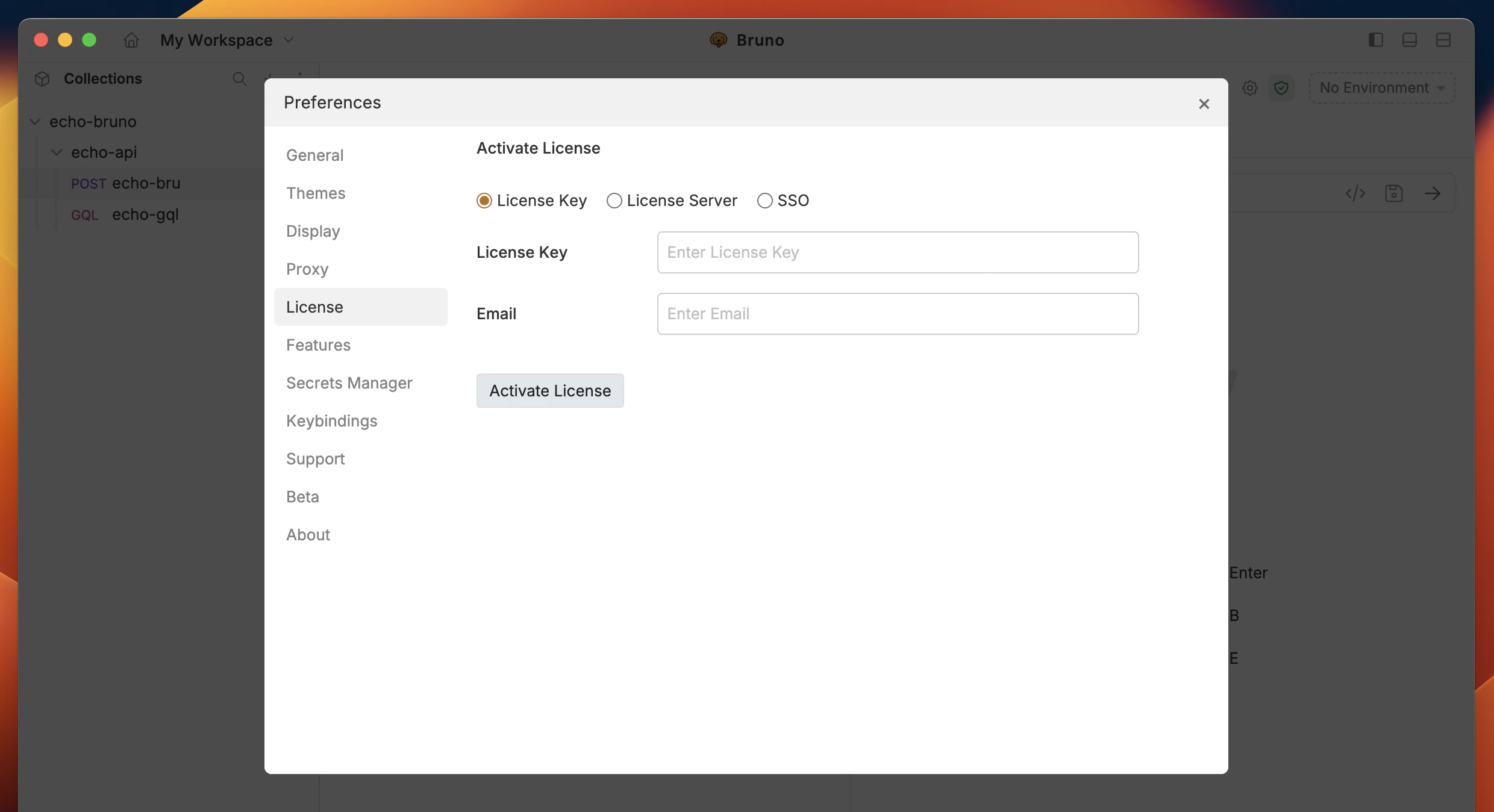
Bruno offers Ultimate and Pro plans for premium users. You can refer to the [Licensing guide](/license-management/overview) to learn more about the features and benefits of each plan.
## License
Bruno offers Ultimate and Pro plans for premium users. You can refer to the [Licensing guide](/license-management/overview) to learn more about the features and benefits of each plan.
 ## Keybindings
Keybinding is available in Bruno **3.3.0+** or higher versions.
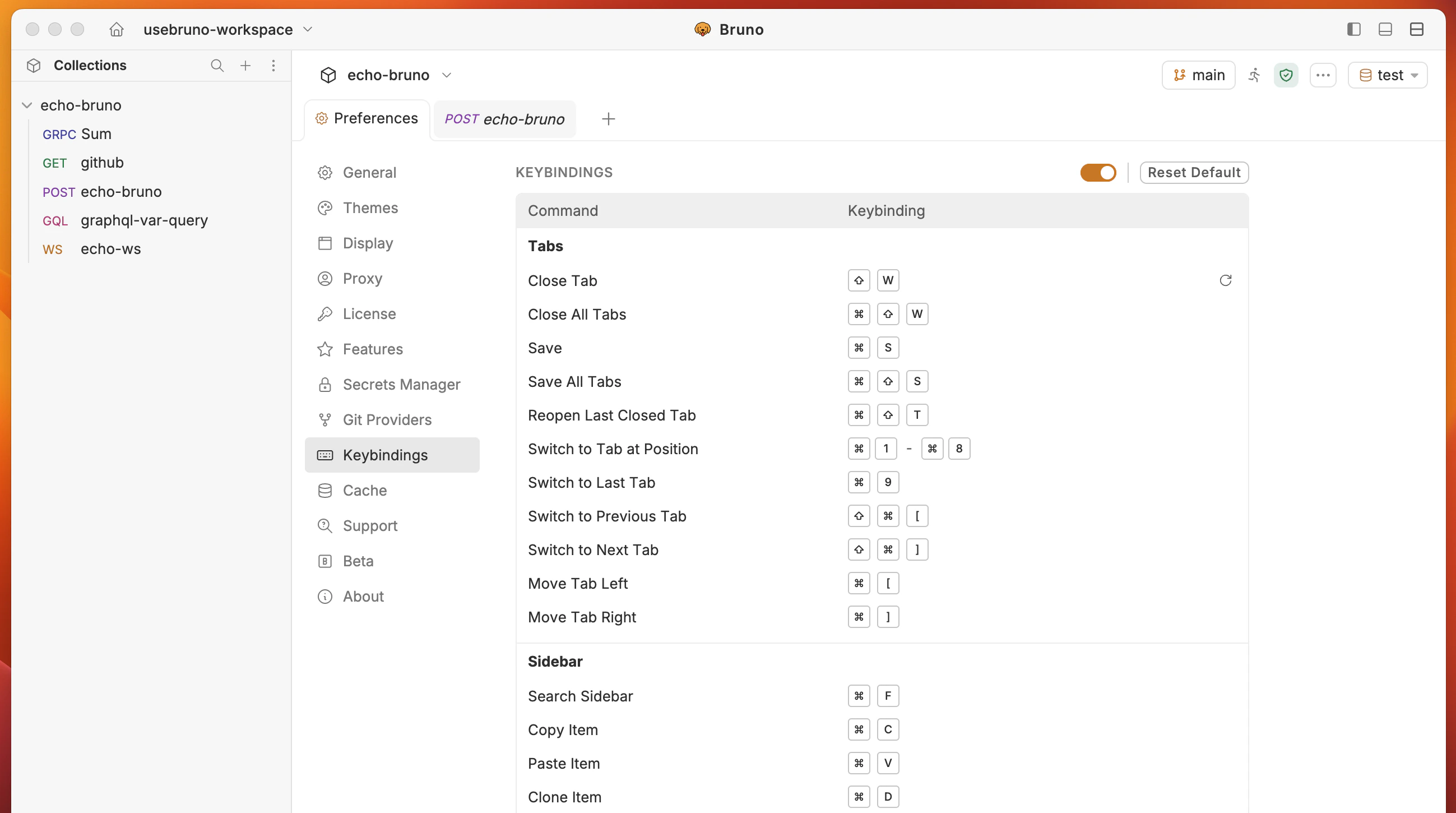
You can customize the keybindings to suit your preferences.
1. Go to **Keybindings** tab from **Preferences** bottom left corner.
2. Click and enter the keybinding you want to customize.
When defining keybindings, use at least one modifier key. On macOS, supported modifiers are Command, Option, Control, or Shift. On Windows, use Ctrl, Alt, or Shift.
Operating system level keybindings cannot be used as shortcuts in Bruno.
Click on **Reset Default** button to reset all keybindings to their default values.
## Keybindings
Keybinding is available in Bruno **3.3.0+** or higher versions.
You can customize the keybindings to suit your preferences.
1. Go to **Keybindings** tab from **Preferences** bottom left corner.
2. Click and enter the keybinding you want to customize.
When defining keybindings, use at least one modifier key. On macOS, supported modifiers are Command, Option, Control, or Shift. On Windows, use Ctrl, Alt, or Shift.
Operating system level keybindings cannot be used as shortcuts in Bruno.
Click on **Reset Default** button to reset all keybindings to their default values.
 ## Secrets
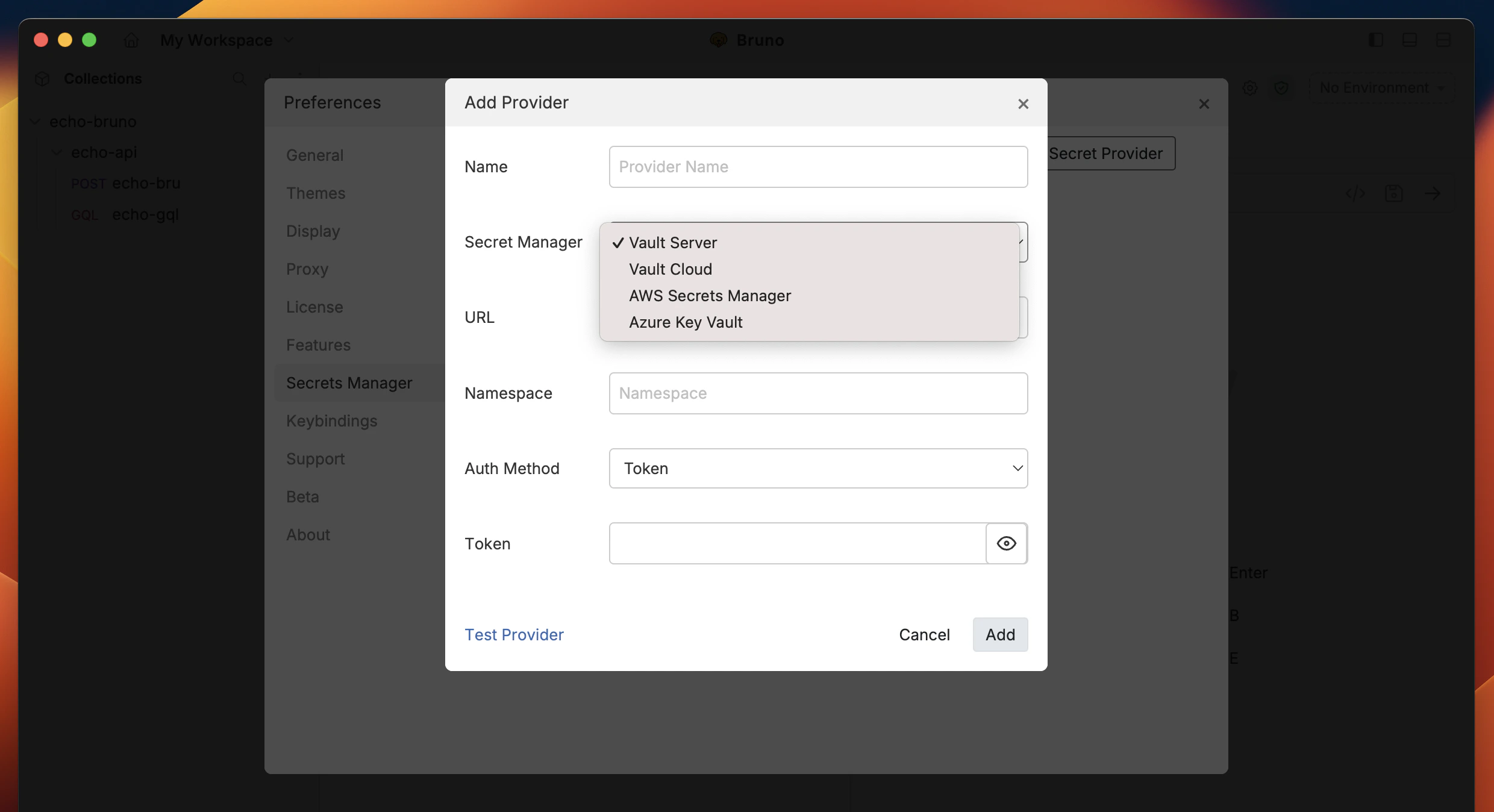
There are three primary ways to manage secrets in Bruno, which you can learn about in the [Secret Management Overview](/secrets-management/overview).
This setting controls the integration with a Vault for secret management, which is available in Bruno **Ultimate Edition**.
## Secrets
There are three primary ways to manage secrets in Bruno, which you can learn about in the [Secret Management Overview](/secrets-management/overview).
This setting controls the integration with a Vault for secret management, which is available in Bruno **Ultimate Edition**.
 ## Support
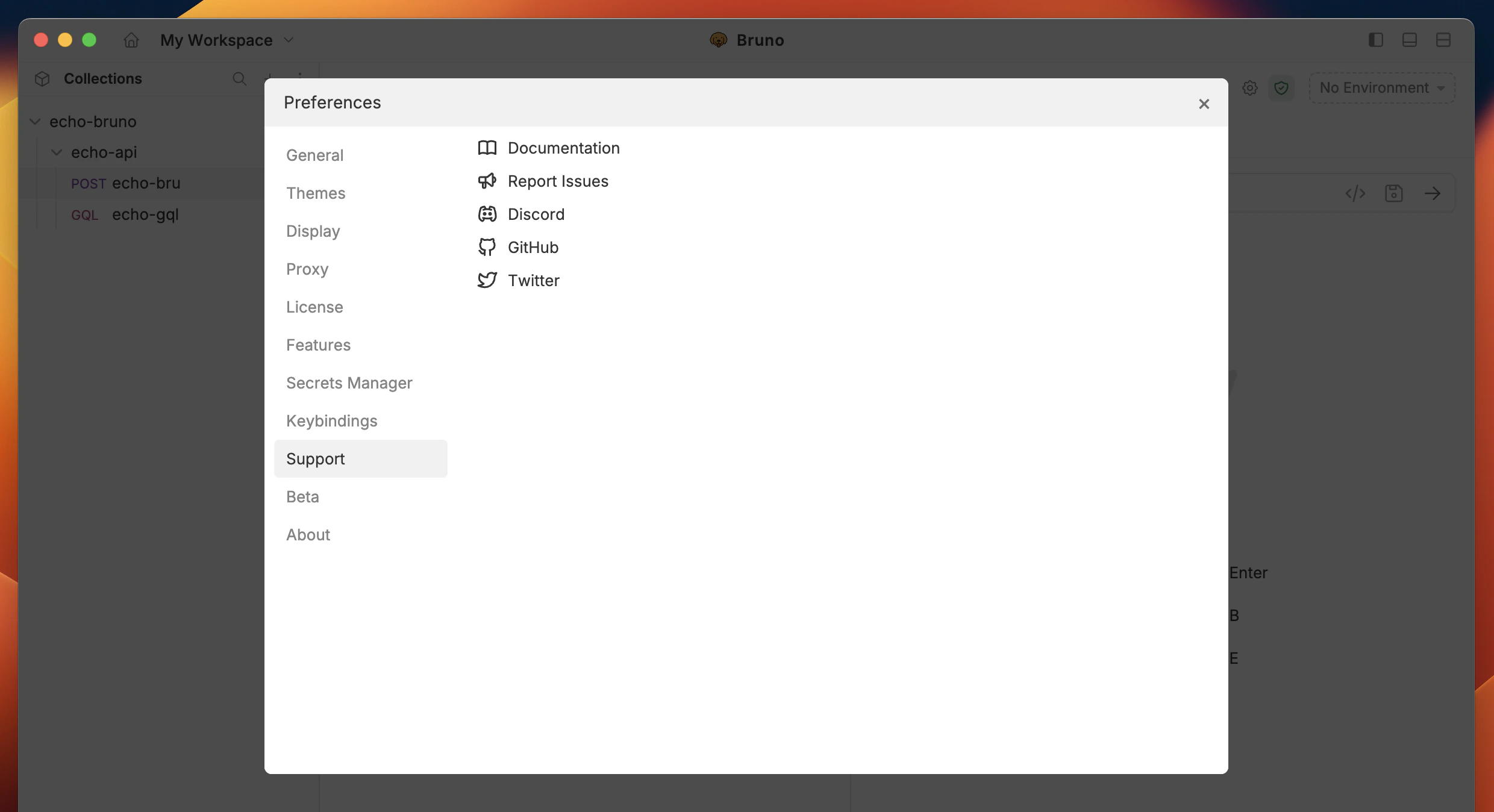
If you encounter issues or need assistance, you can access a range of troubleshooting resources to help resolve your problem quickly.
## Support
If you encounter issues or need assistance, you can access a range of troubleshooting resources to help resolve your problem quickly.
 ## About
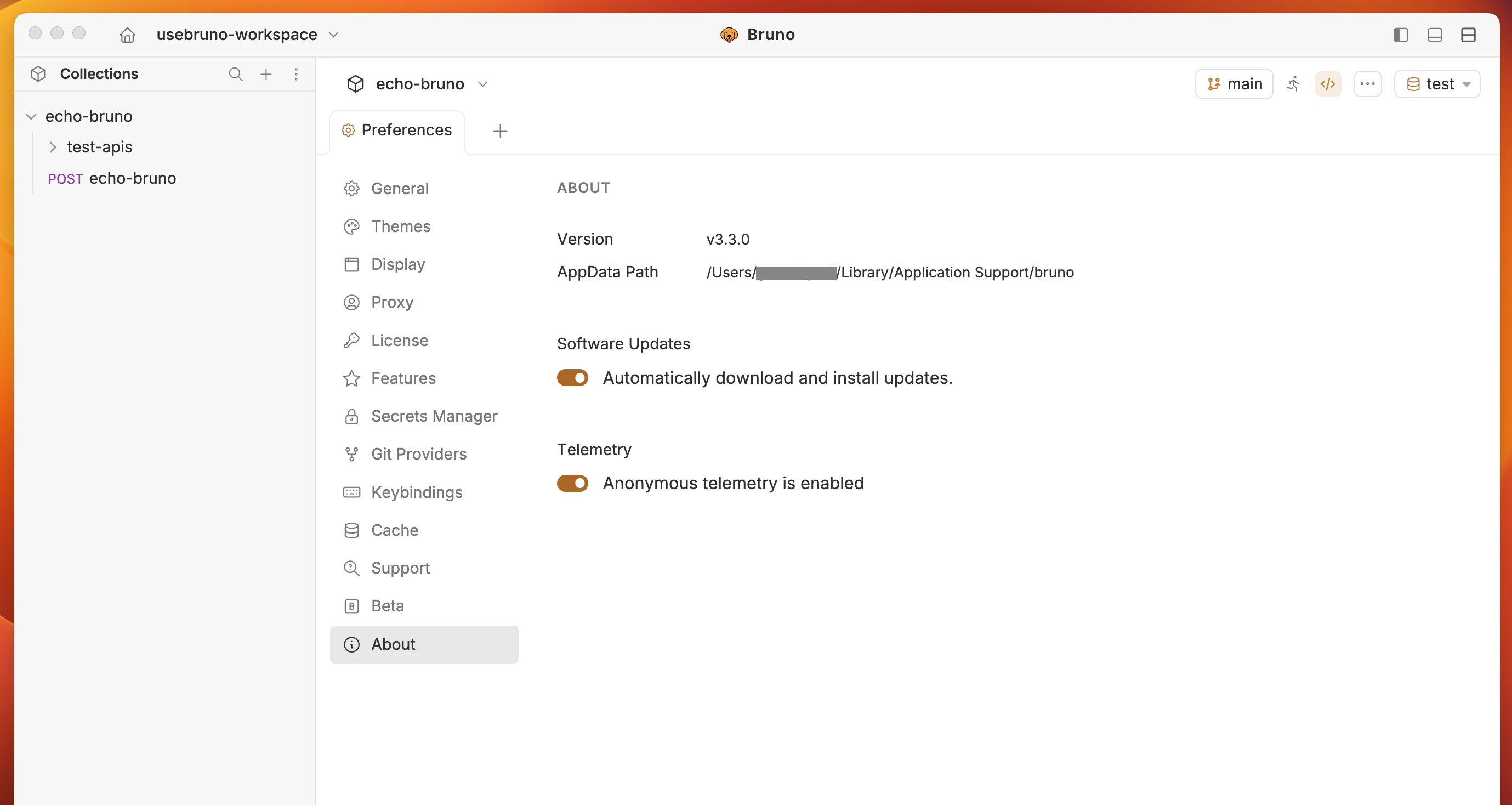
View application details and enable the auto-update feature to keep your app up to date automatically.
## About
View application details and enable the auto-update feature to keep your app up to date automatically.
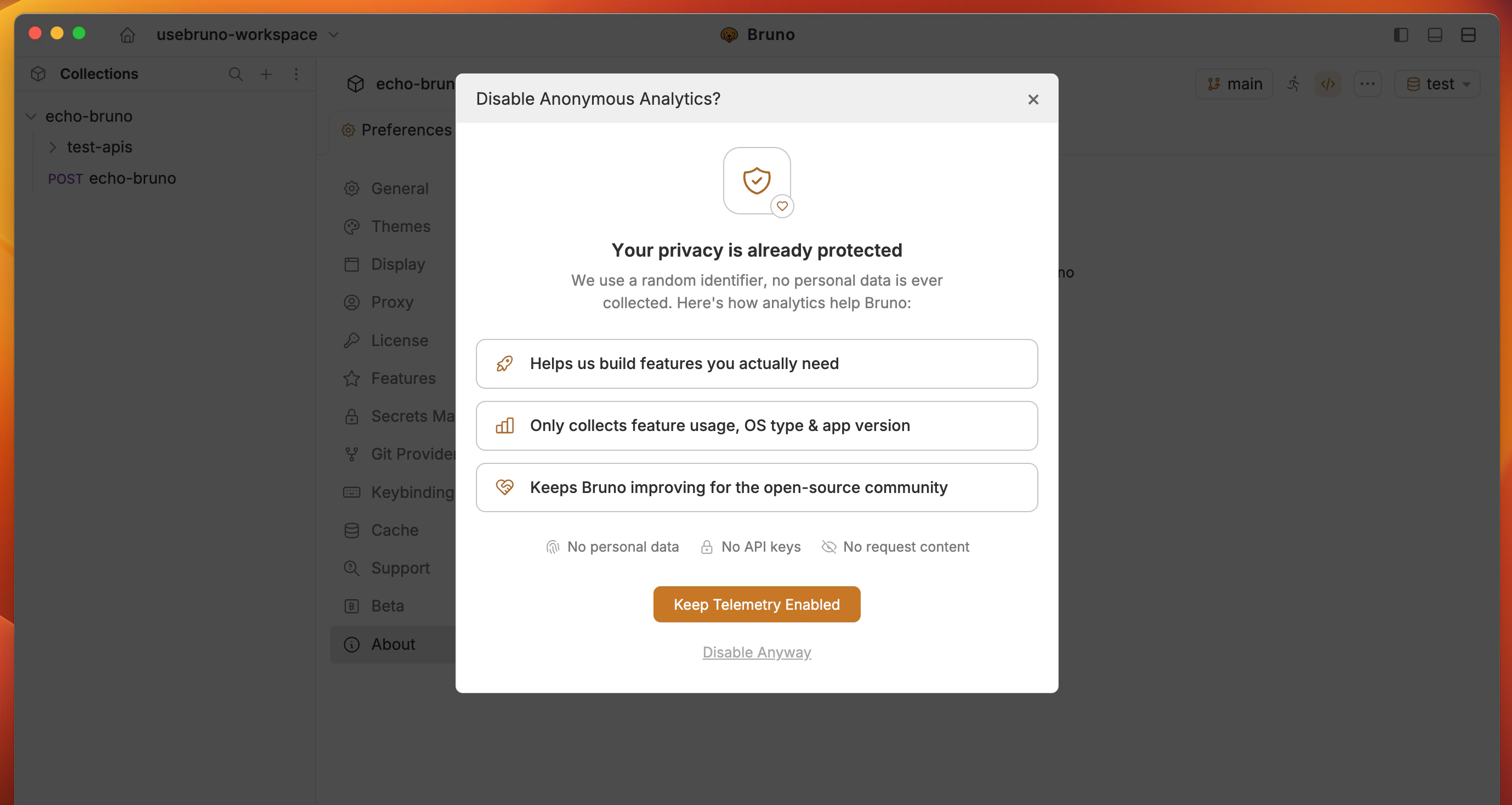
 ## Telemetry
Bruno collects limited, anonymized usage telemetry to help improve the product. You have full control over this and can opt out at any time for privacy or compliance reasons.
The **Telemetry** toggle is available in the global preferences panel under the **About** tab (refer to the [About](#about) section for more details).
The telemetry is enabled by default but you can disable this from the About page in Preferences.
## Telemetry
Bruno collects limited, anonymized usage telemetry to help improve the product. You have full control over this and can opt out at any time for privacy or compliance reasons.
The **Telemetry** toggle is available in the global preferences panel under the **About** tab (refer to the [About](#about) section for more details).
The telemetry is enabled by default but you can disable this from the About page in Preferences.